Your digital darkroom

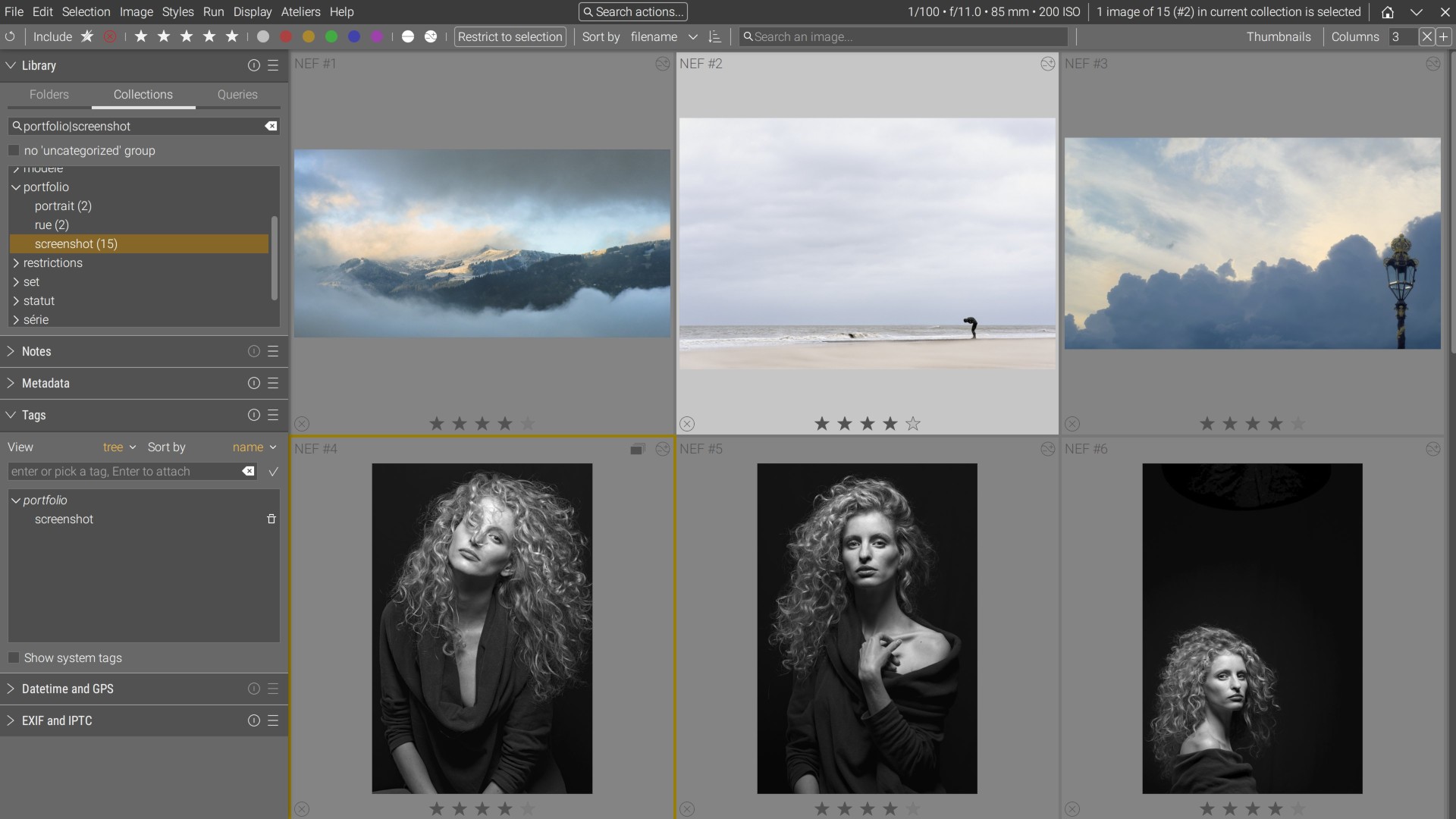
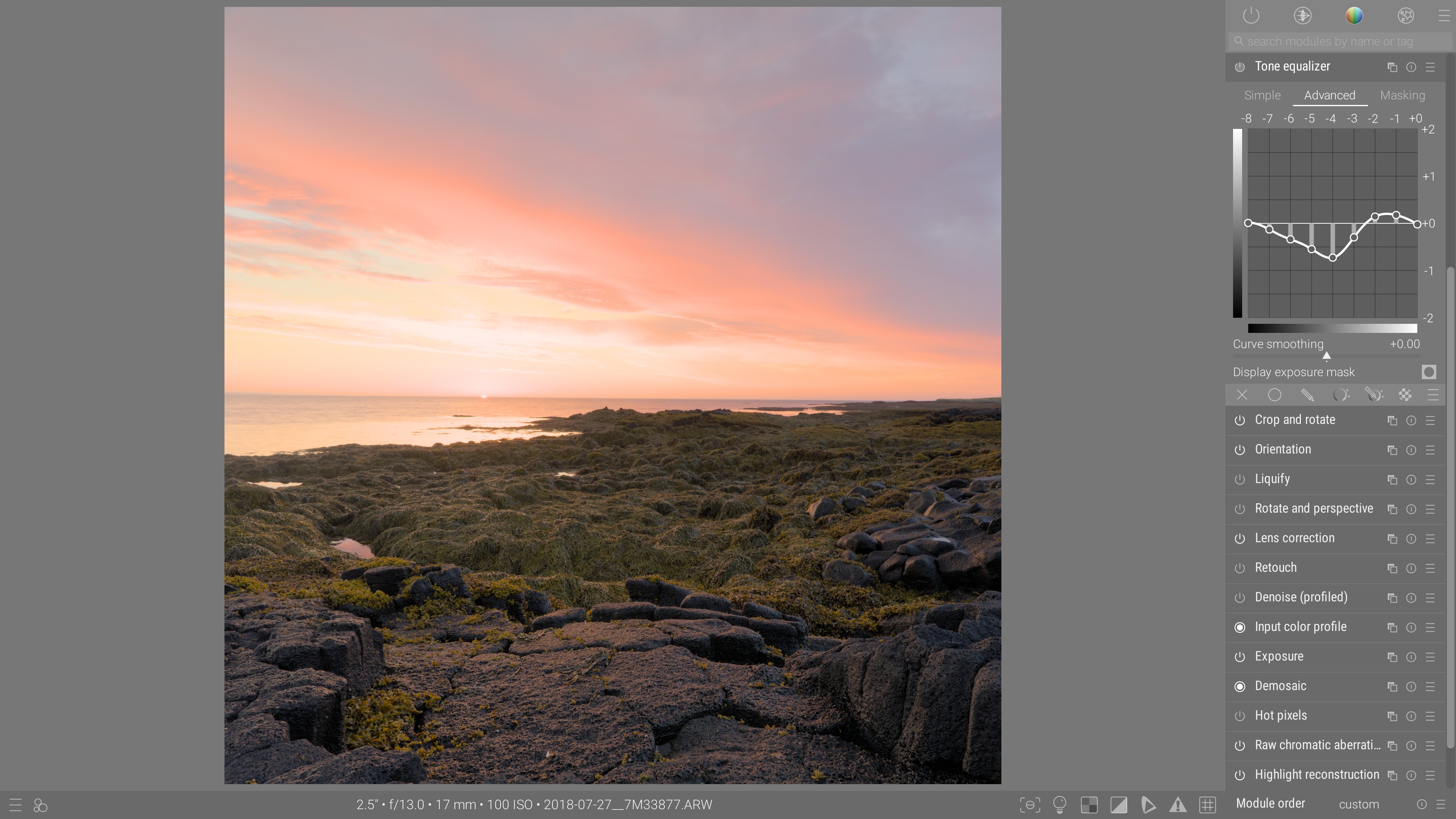
Ansel is an open-source photo-editing software for digital artists, designed to help you achieve your own interpretation of raw digital photographs.

image
image
image
image
image
El negativo es la partitura, y la impresión es la interpretación. — Ansel Adams

Presionar el obturador de la cámara solo inicia un proceso que termina cuando la imagen en pantalla se ve como la que tenías en mente. Ansel propone poner a los artistas de nuevo en el centro del proceso creativo y los habilita con una interfaz para manipular imágenes con precisión y matices, usando la ciencia del color más avanzada y controles de color independientes.


Instalar

Linux

Distribution-agnostic, portable AppImage executable Download latest

Download previous

Windows

Windows 7 to 11 installer Download latest

Download previous

MacOS X

Distribution for MacOS X 15 and newer. Download latest (Apple M)

Download latest (Intel)
Build from source

Best performance for your hardware

Building instructions


Is it stable ?

Stats updated automatically every 4h from opt-in Sentry.io crash logs collection. Last update :

Ansel has not published a stable release yet and there is no ETA for one : a new release is published when the list of all bugs have been cleared, so we know the software and stable. So far, Ansel only publishes revisions, which are intermediate states of the sourcecode. Once a revision has been tested by at least 35 unique users, its reliability stats will show above. An asterisk (*) marks revisions we shipped as a packaged nightly build.

On the two charts above, the crash-free rate is shown as a percentage whose bar opacity encodes our confidence : the solid part (almost certain) is the rate we are confident the software reaches, the likely range goes up to the currently recorded average, then optimistic reaches up to the best plausible rate written in parentheses on top. The fewer people tested a revision, the more incertainty there is on the average, the larger the {likely + optimistic} range gets : it is the margin of error of the current average at 95% confidence.

Bugs need to be reported on Github  or they will never be fixed. This free software is only guaranteed to work on the computers of its developers, who are not in front of yours. Ansel saves your editing histories immediately after each change: in case of a crash you loose at most the last action.

The links above always point to the latest nightly build of the “fairly stable” branch. If you want a particular revision or need to roll back, you can find all intermediate versions on Github .


¿Por qué Ansel?

Ya existen muchas soluciones para producir fotografías listas para el consumo masivo, desde filtros de teléfonos inteligentes hasta JPEGs directos de las cámaras, seguidos recientemente por filtros automágicos impulsados por IA. Estos hacen la fotografía más fácil que nunca, pero ¿son realmente las imágenes producidas tus imágenes y, en cualquier caso, las imágenes que esperabas?
Ansel te permite interpretar tus fotografías en bruto de manera similar a un instrumento musical, cuando la mayoría de los softwares intentan reproducir automáticamente la partitura por ti. Su objetivo es ser una herramienta poco impresionante y aburrida que simplemente haga lo que le pides, sin interponerse en tu camino.
Enamórate de tus resultados
No de tus juguetes
Cuando te gusta la música, puedes elegir entre aprender a tocar o comprar grabaciones. Es más fácil comprar, pero más satisfactorio tocar. Las aplicaciones de edición fotográfica han mentido a los usuarios durante décadas, pretendiendo que podían tocar sin aprender, porque el software se encargaría de las complejidades técnicas por ellos y las ocultaría por completo.
Resulta que los usuarios solo han estado luchando contra aplicaciones que entienden cada vez menos, para tener control sobre sus resultados y para recuperar esos casos complicados donde la automatización falla. Con el tiempo, espera perder más y más tiempo peleando con IA para obtener resultados de apariencia natural… manualmente. ¿Por qué no simplemente cortar al intermediario?

¿Qué puede hacer Ansel por ti?

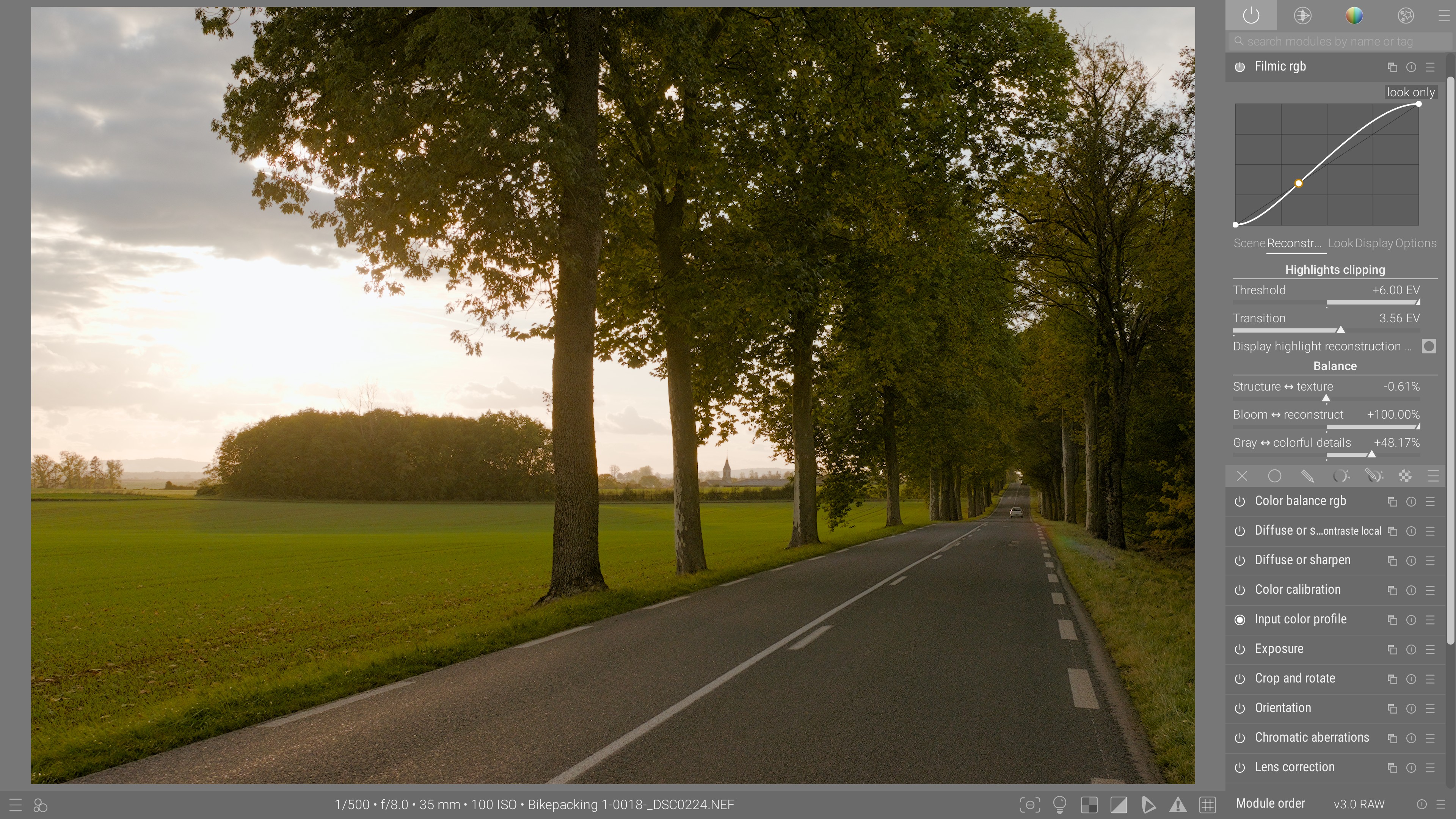
Ansel te permite gestionar tus colecciones de fotos, editar tus fotografías digitales en bruto y escaneos de películas de forma no destructiva y exportar el resultado a formatos de archivo comunes. Almacena tus historiales de edición como texto y te permite retroceder en el tiempo en cualquier paso de edición que desees, en cualquier momento.

Trabajo de color

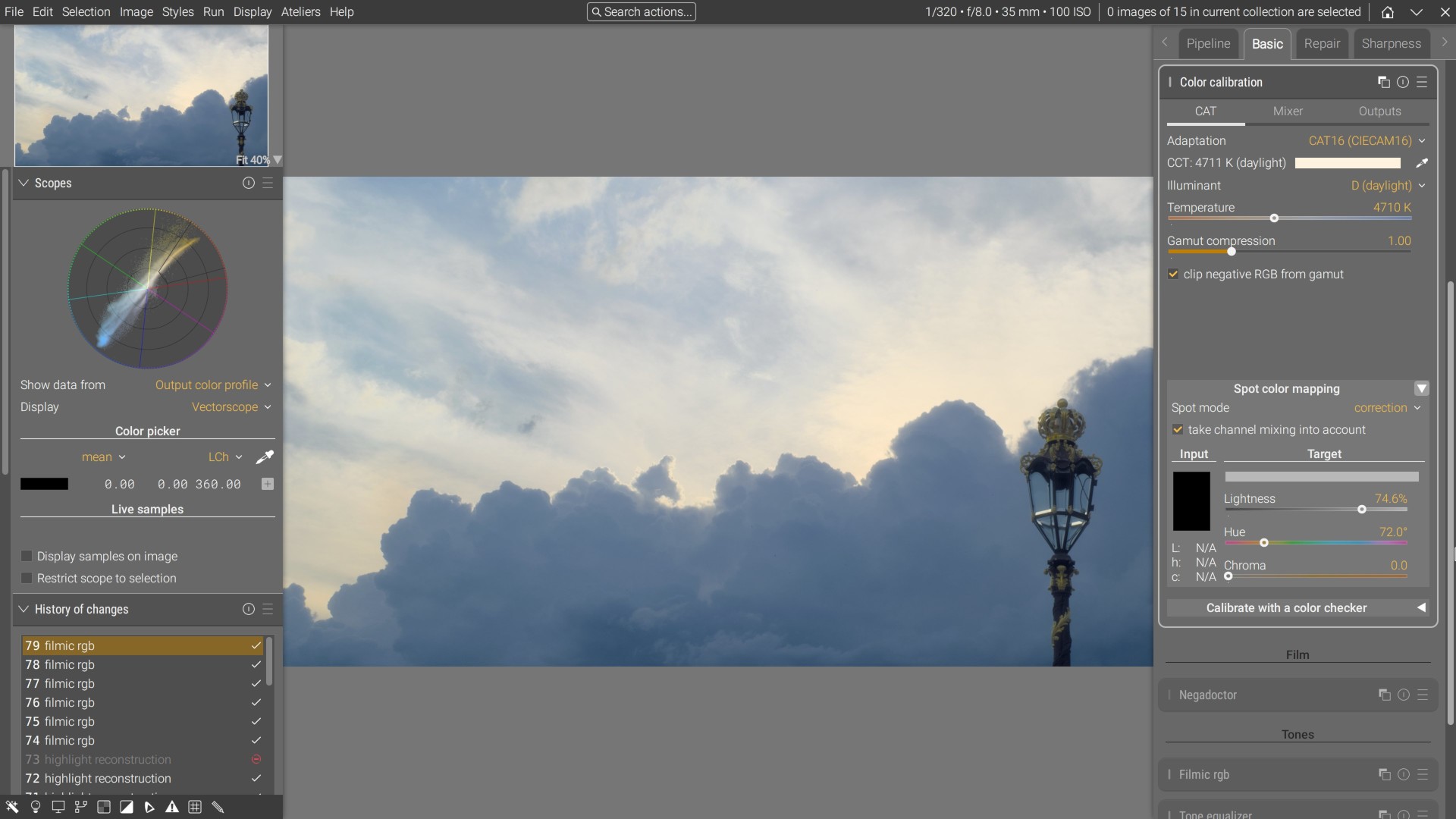
Ansel incluye una ciencia del color reciente, compatible con HDR: la adaptación cromática CIE CAT 2016, el espacio de color HDR JzAzBz (2017) y el espacio de color perceptual darktable UCS 2022, desarrollado específicamente para manipular la saturación del color sin el efecto fluorescente.

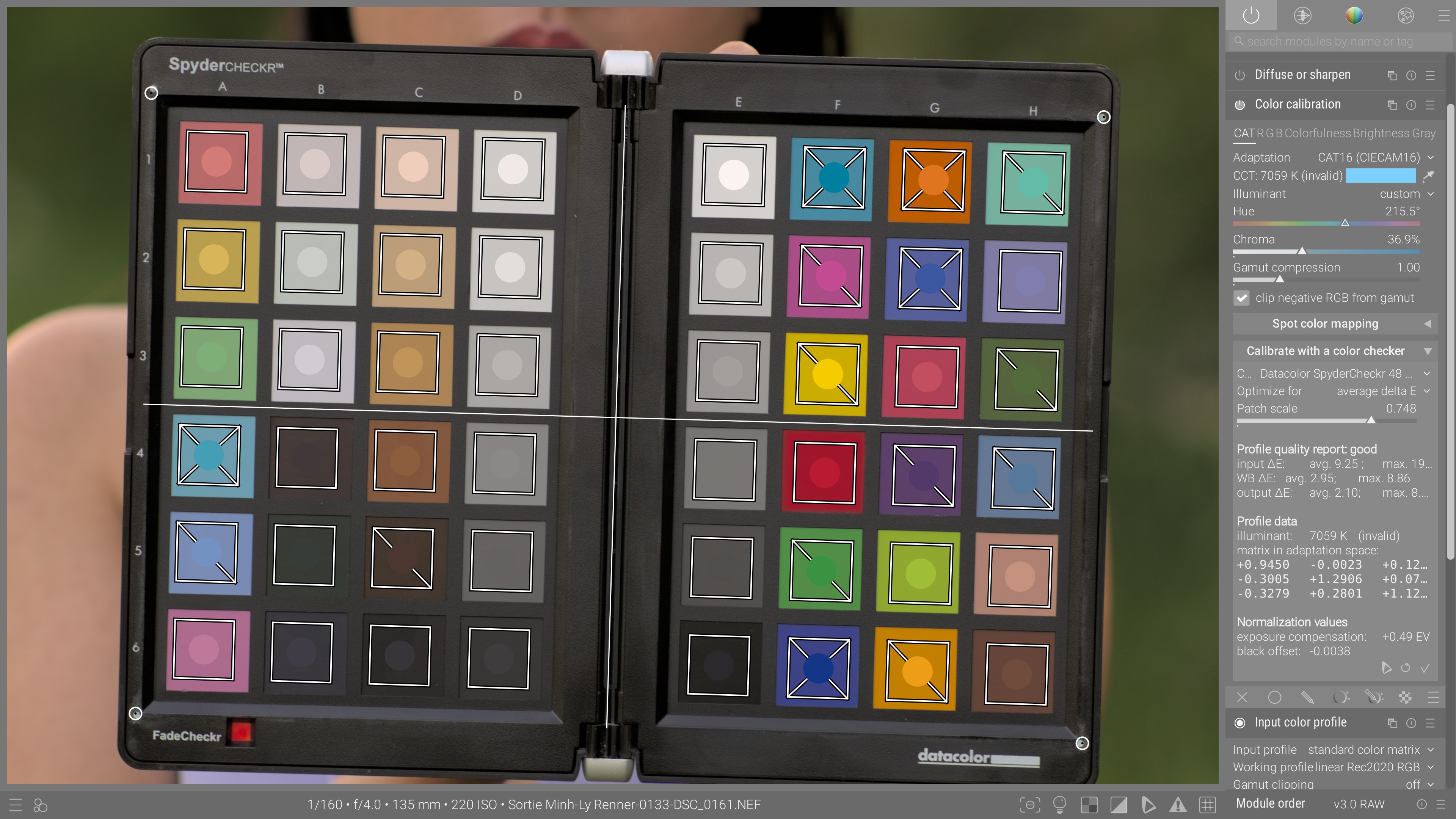
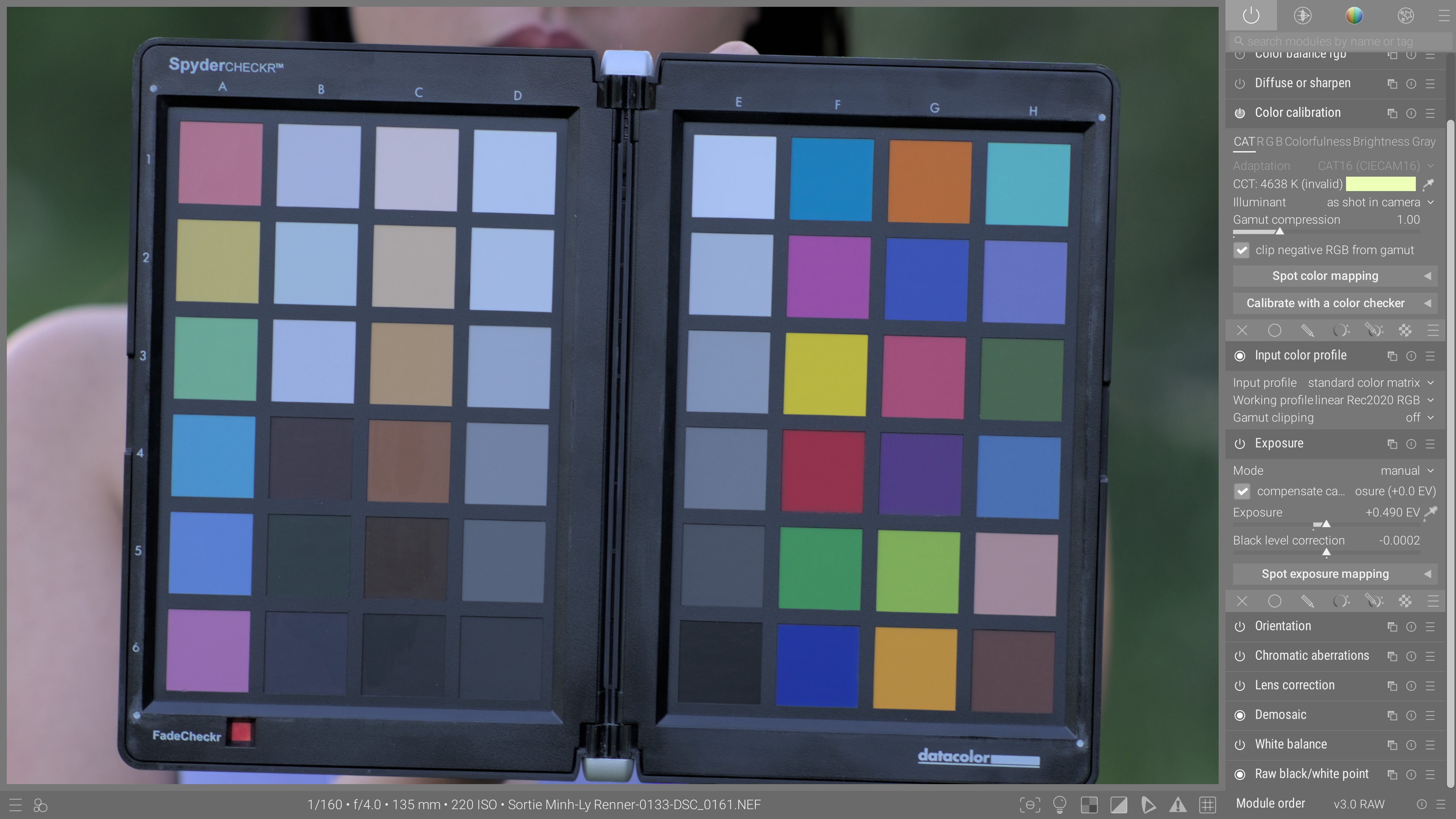
Color calibration
After After
Before Before
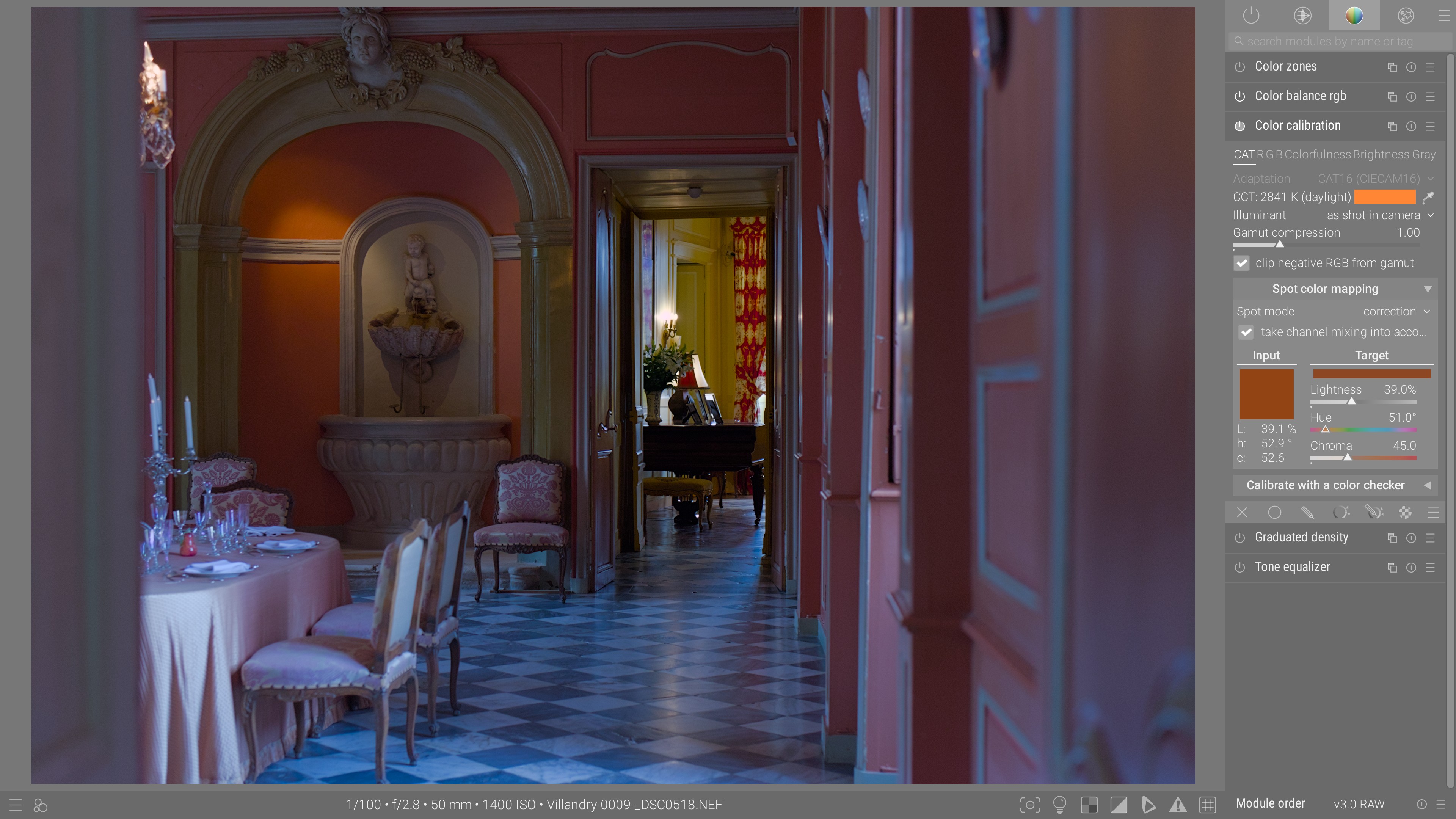
Fix white balance and get high-fidelity colors in just a few clicks, by calibrating colors with a Color Checker directly in the darkroom.
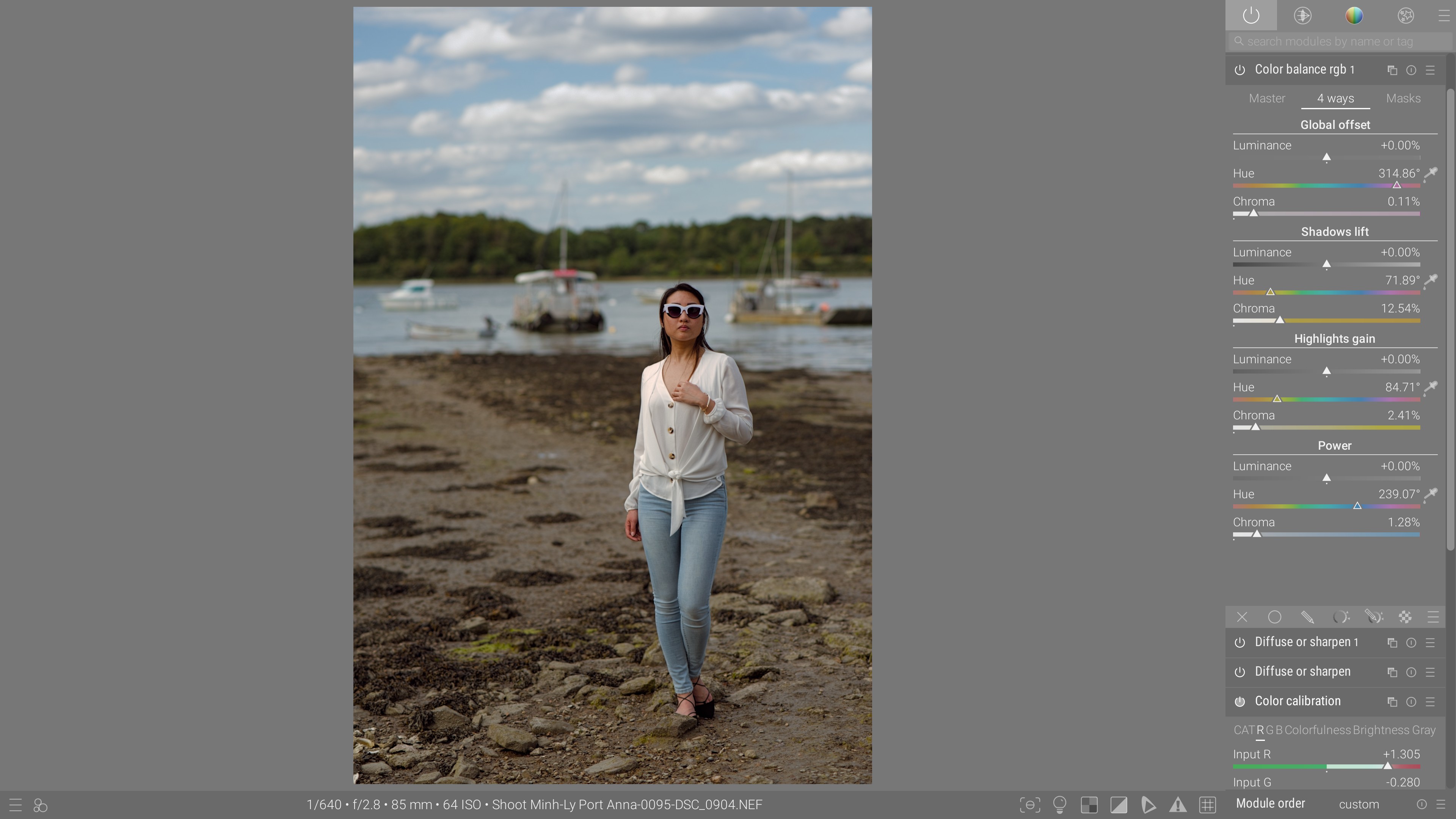
Color-grading
After After
Before Before
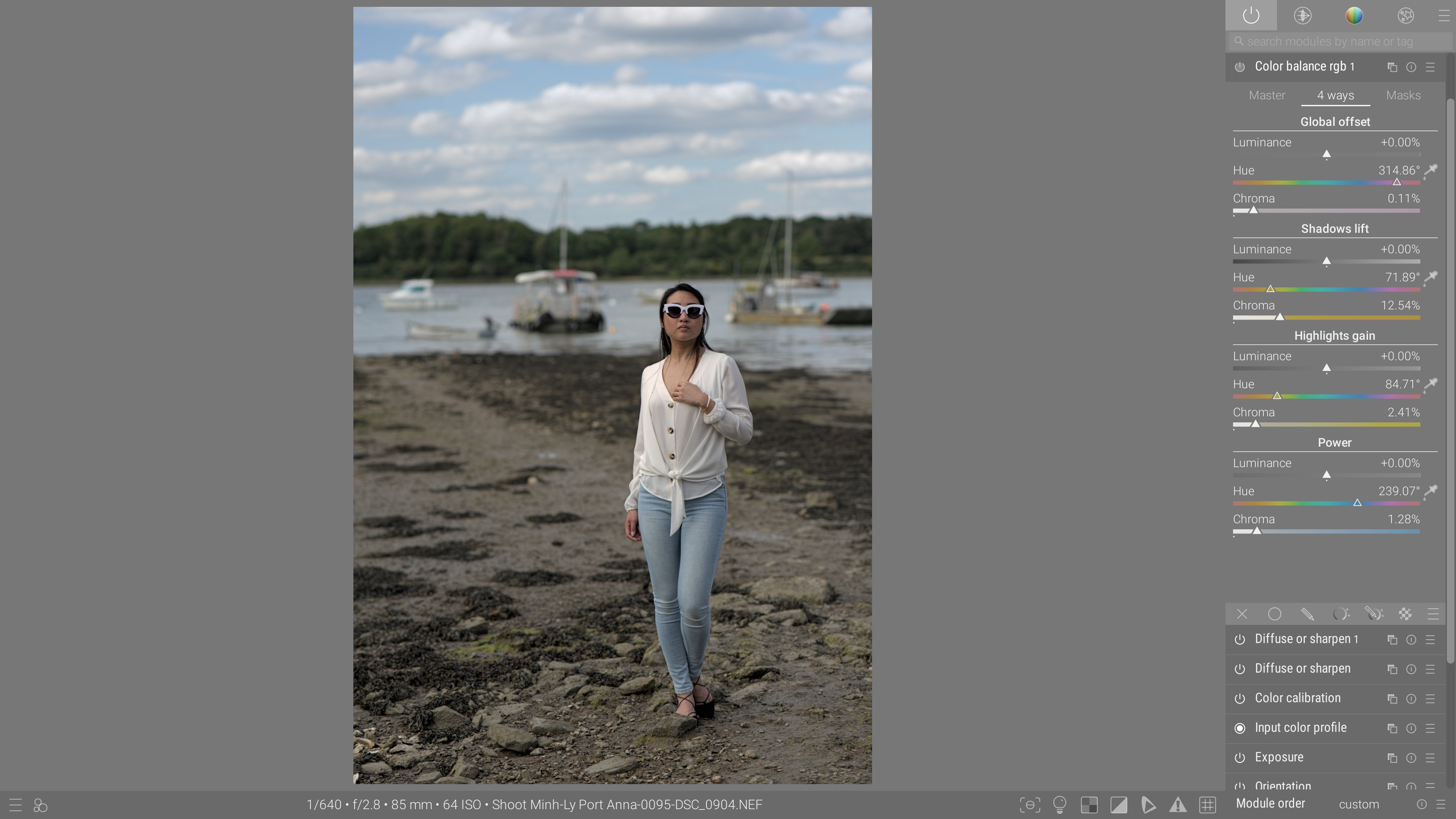
Give ambiance and character to your pictures by polishing their color palette with nuanced and fine-grained controls, in RGB, Ych or HSB color spaces, for creative and corrective purposes.
Color matching
After After
Before Before
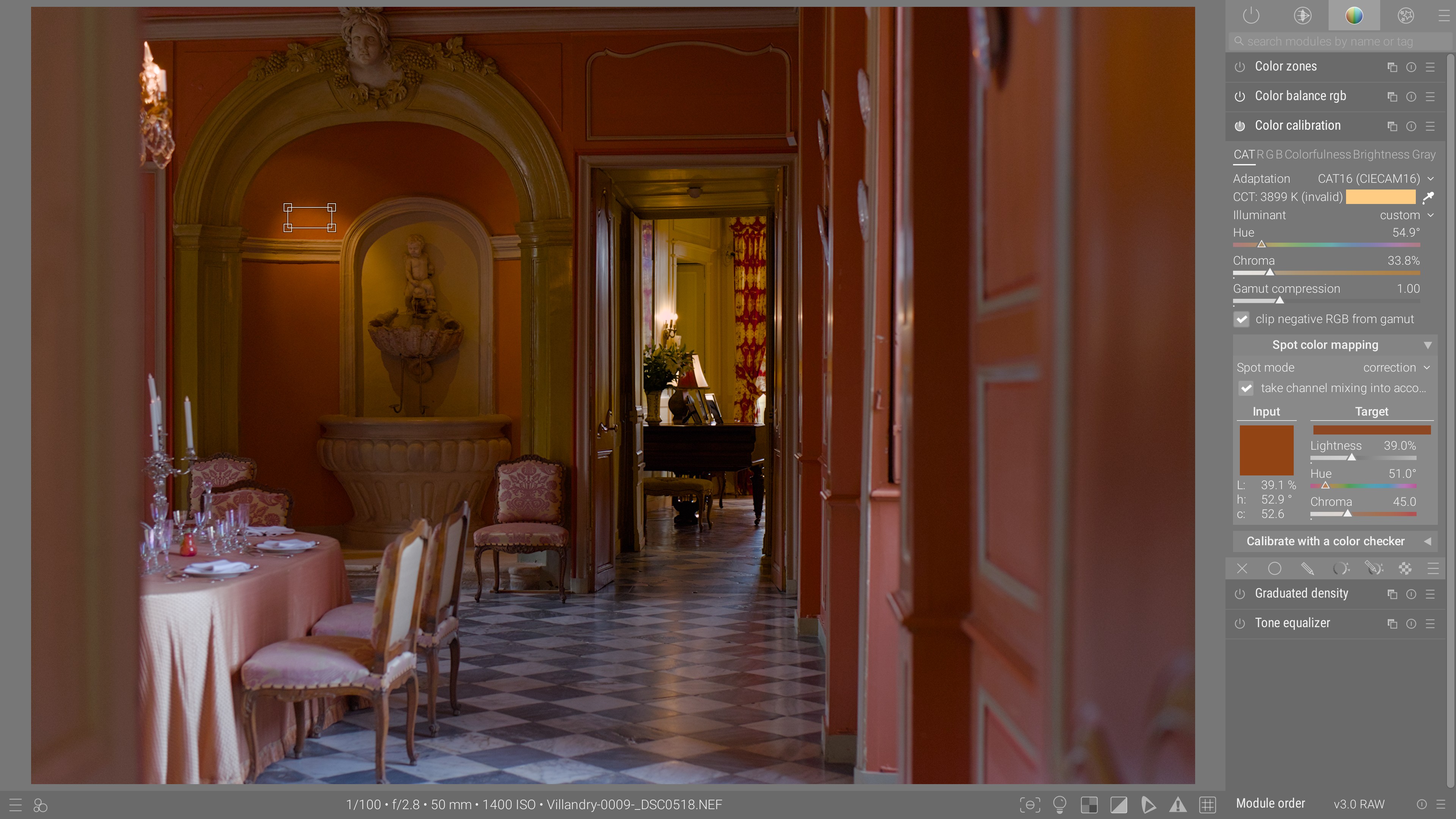
Force the chromatic adaptation such that any selected object matches a predetermined color, input from CIE Lab coordinates (for logos and brand colors), or by sampling the color of the same object in another shot, as to even the color rendition over the series.
Hue qualifying and keying
After After
Before Before
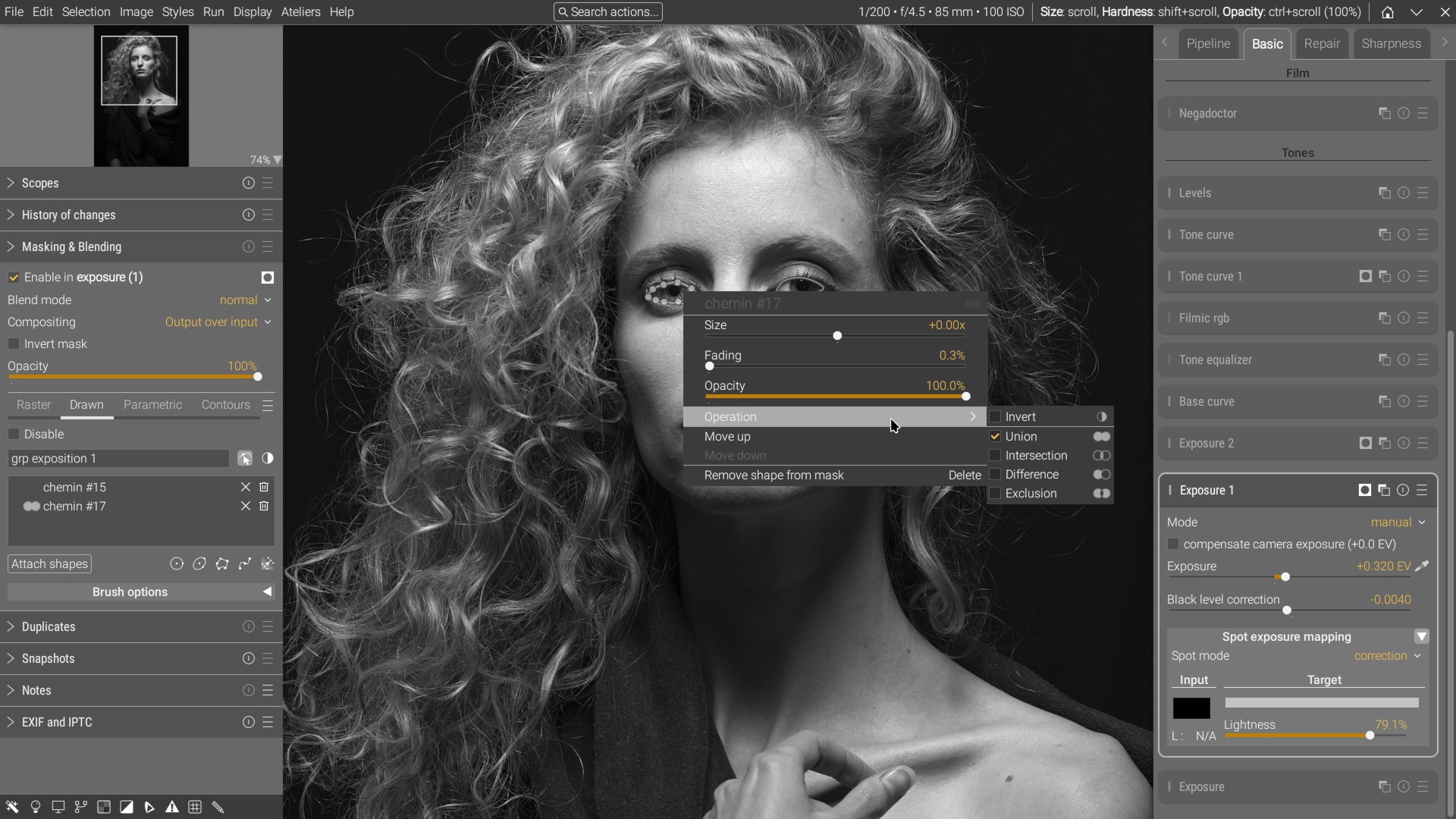
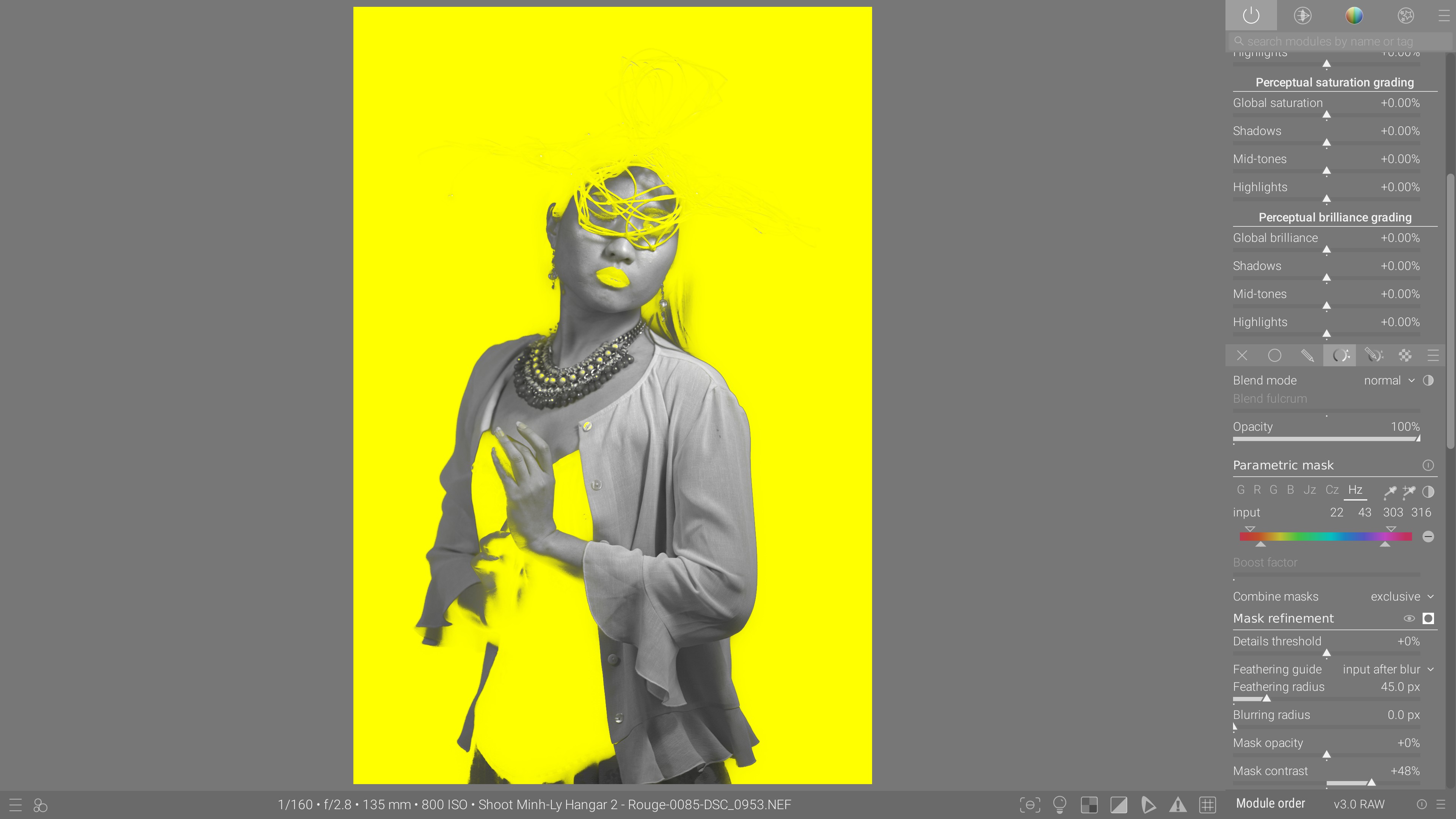
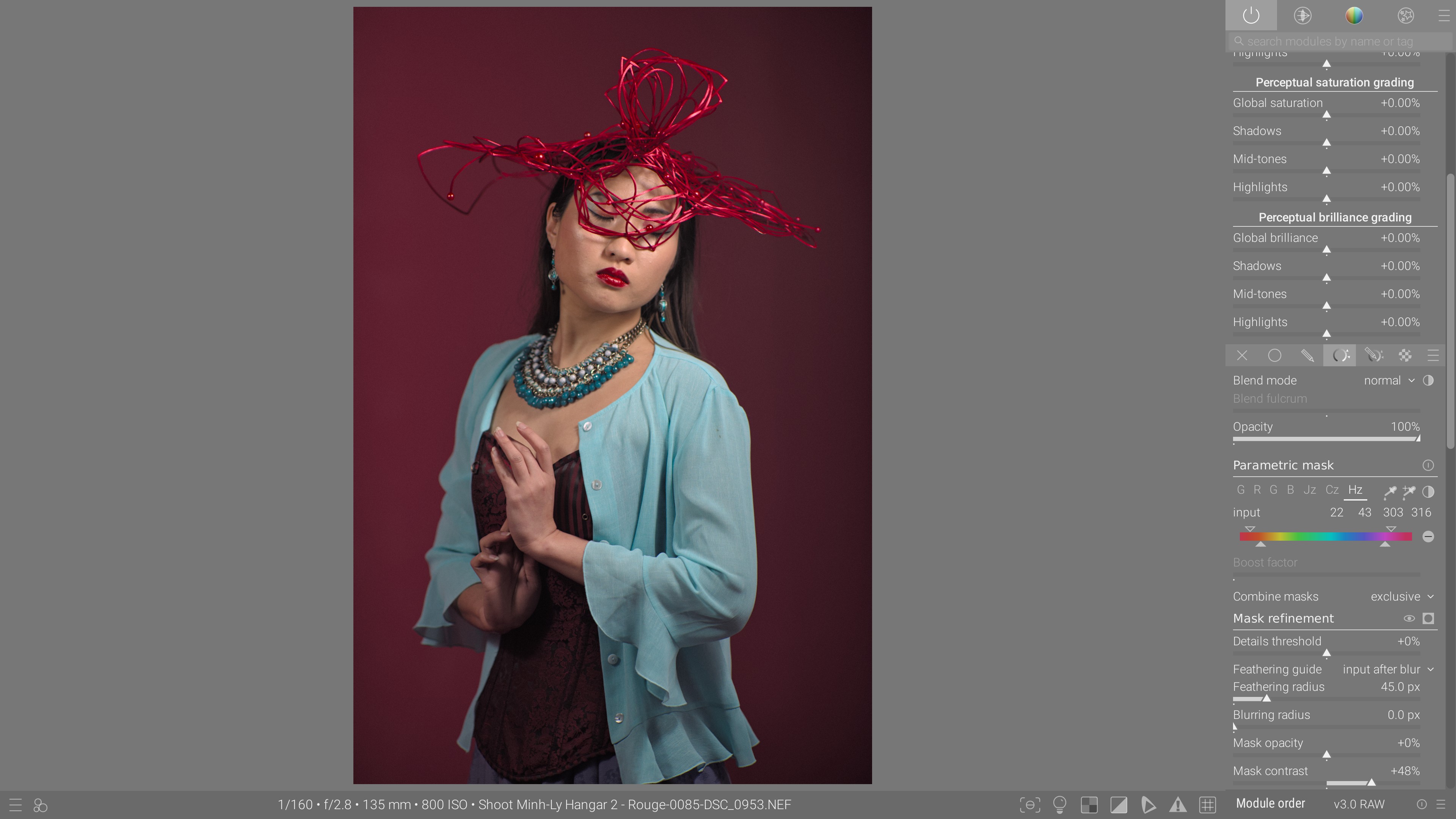
Use the hue, chroma and lightness qualifiers to quickly define masks and apply selective effects. Combine parametric masks with drawn masks and boolean operations. Refine and feather the edges of masks by blurring or using clever edges detection.

Trabajo tonal

Los métodos de trabajo tonal están diseñados para manipular la luminancia sin afectar ni el tono ni la saturación, para respetar el trabajo de color realizado por separado.

HDR tone mapping
After After
Before Before
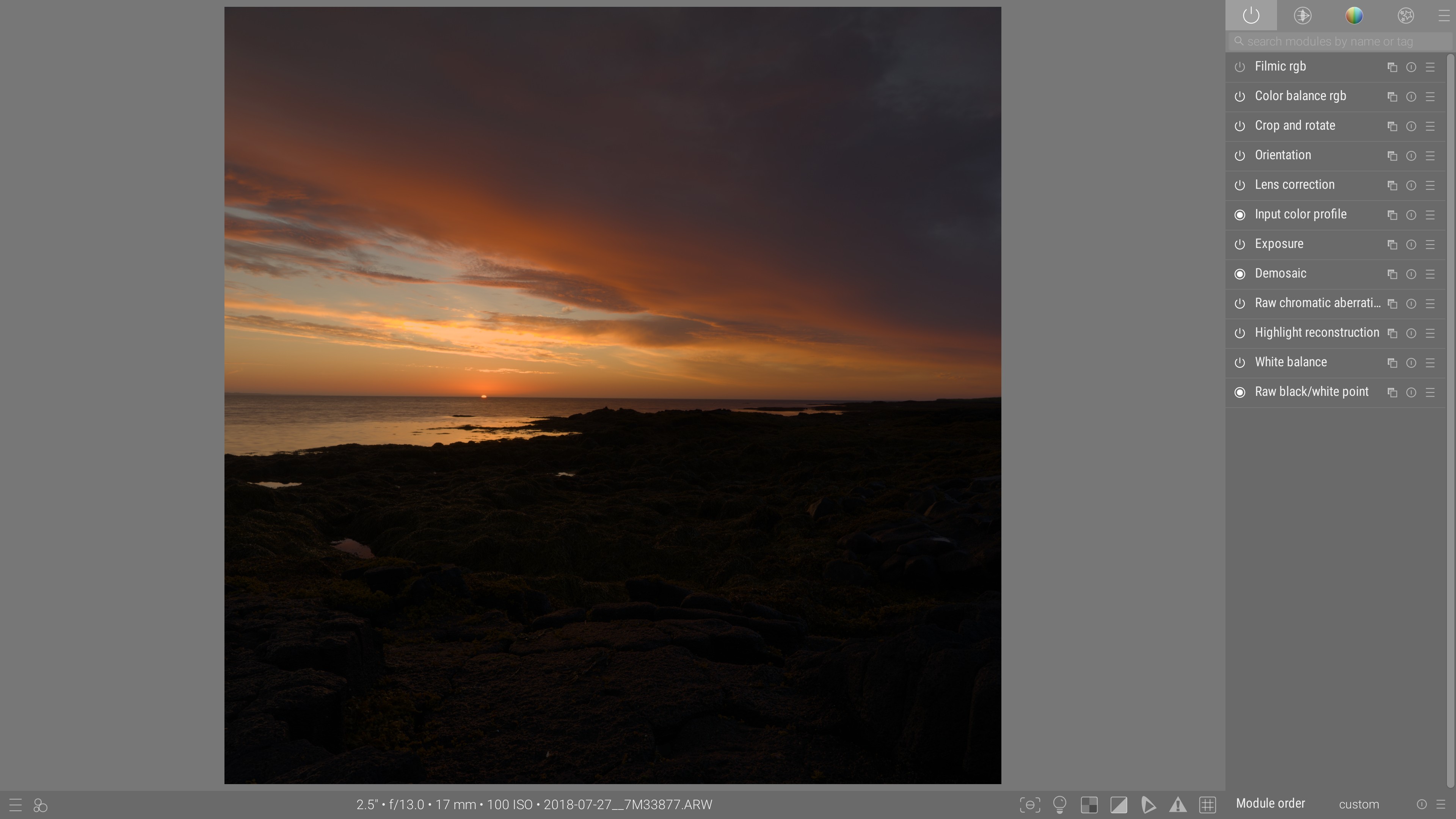
Recover deep shadows and compress the dynamic range while retaining original saturation and hue, with gamut mapping to ensure the colors fit in the output color space. (Photo : Andreas Schneider)
Zone-system editing
After After
Before Before
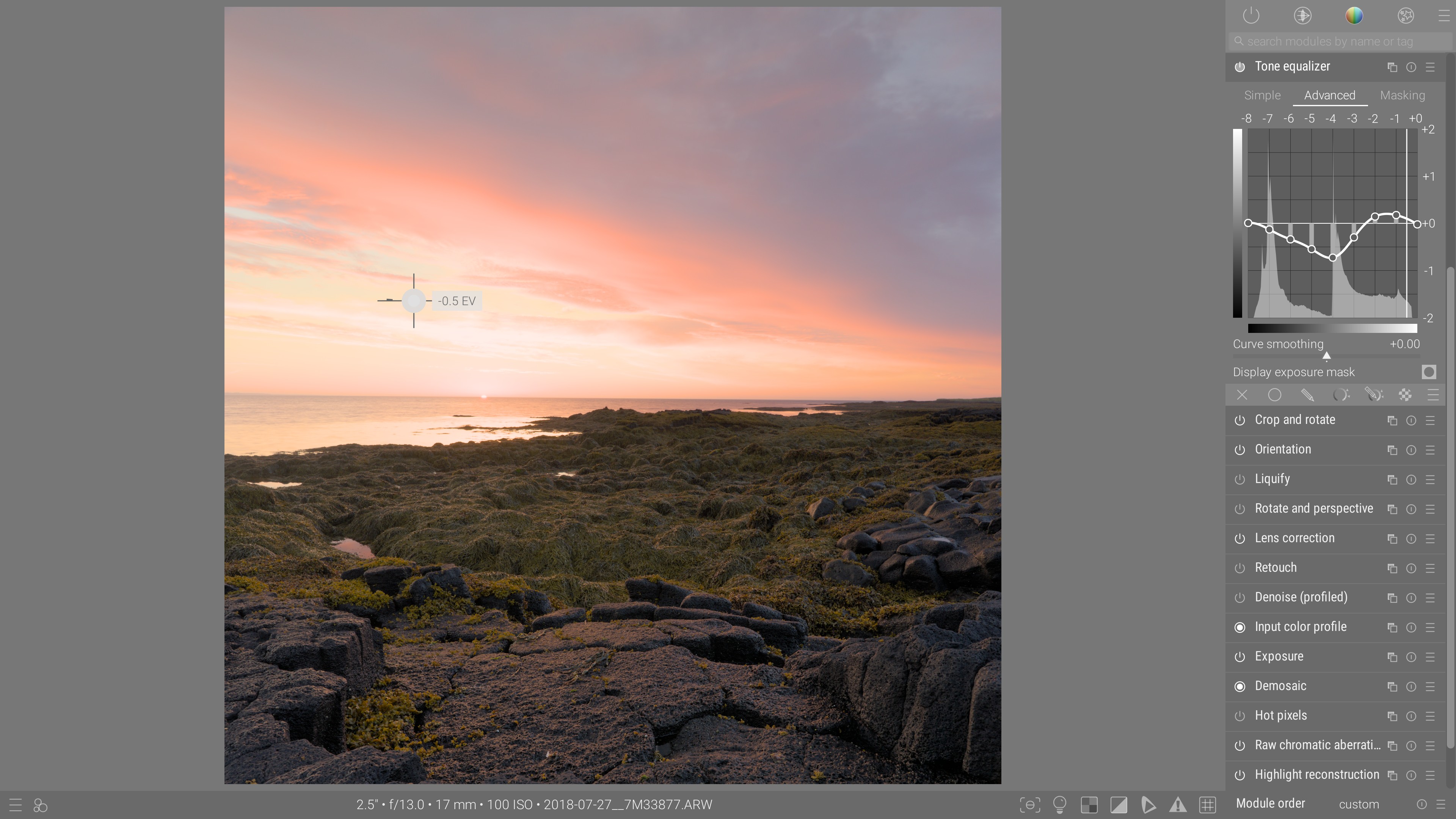
Balance densities based on exposure zones, by preserving local contrast thanks to an edge detection algorithm, and select the exposure zones to affect directly from the picture, through the interactive cursor. (Photo : Andreas Schneider)

Reconstrucción de imagen

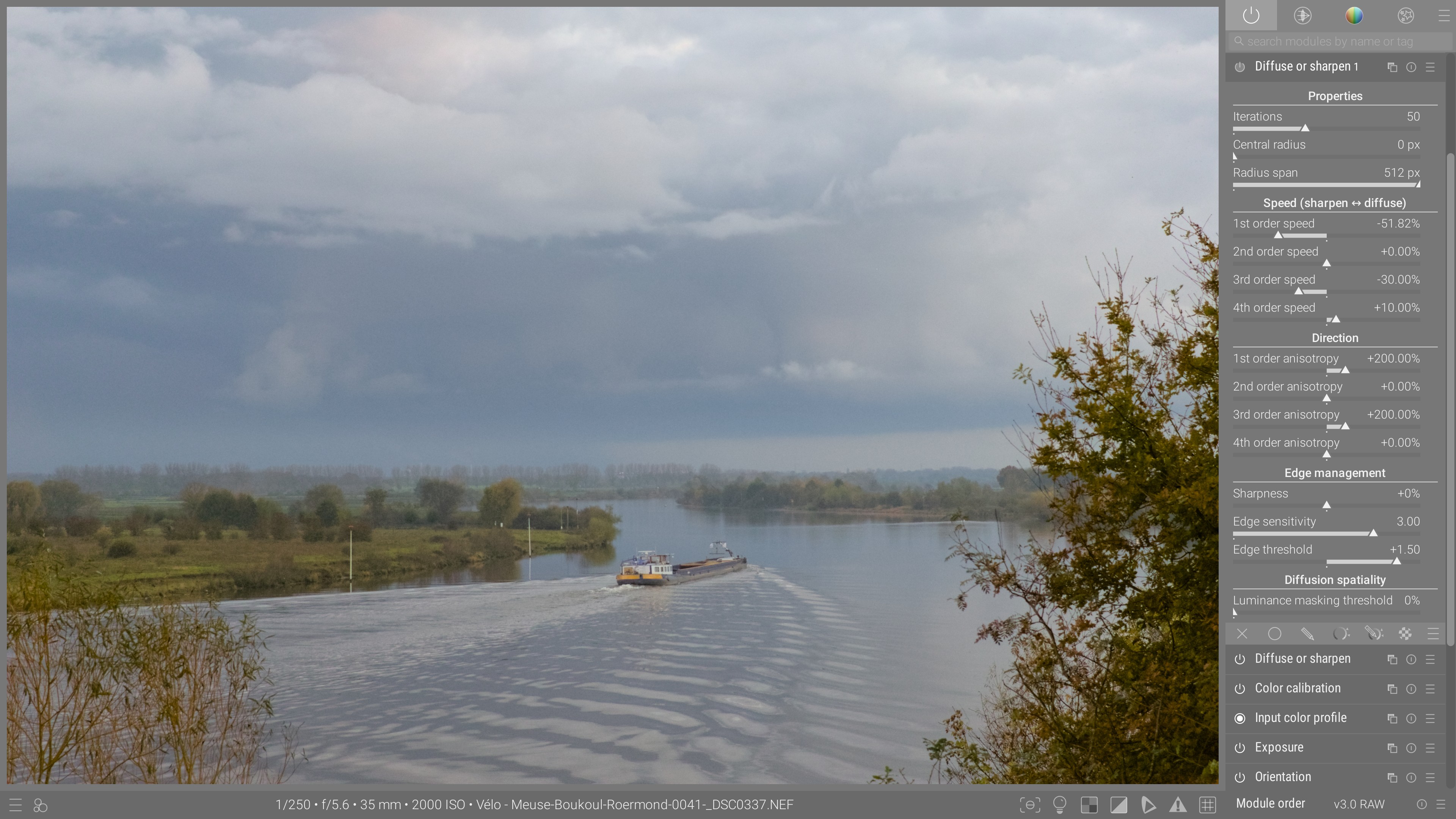
Lens deblurring
After After
Before Before
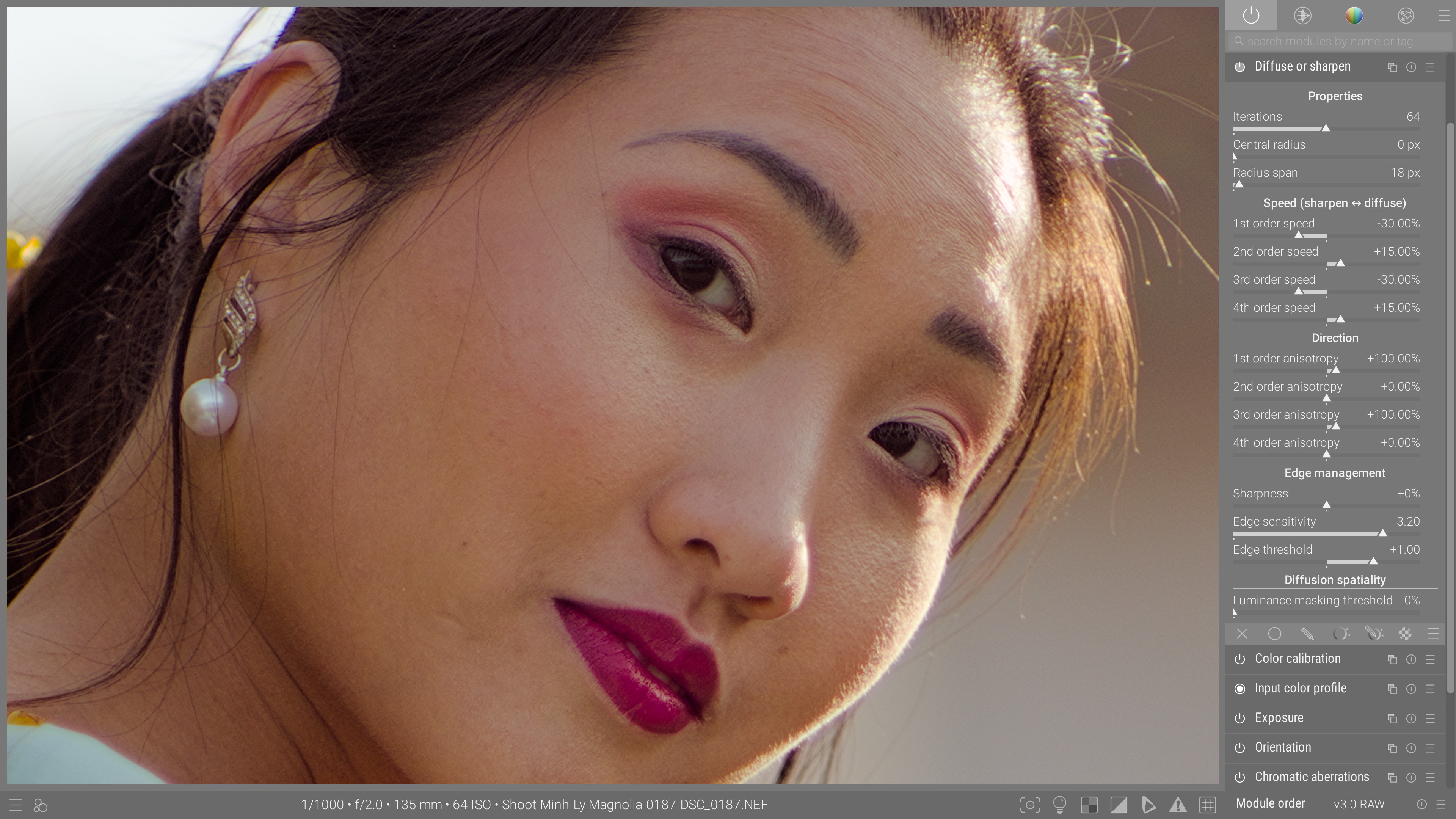
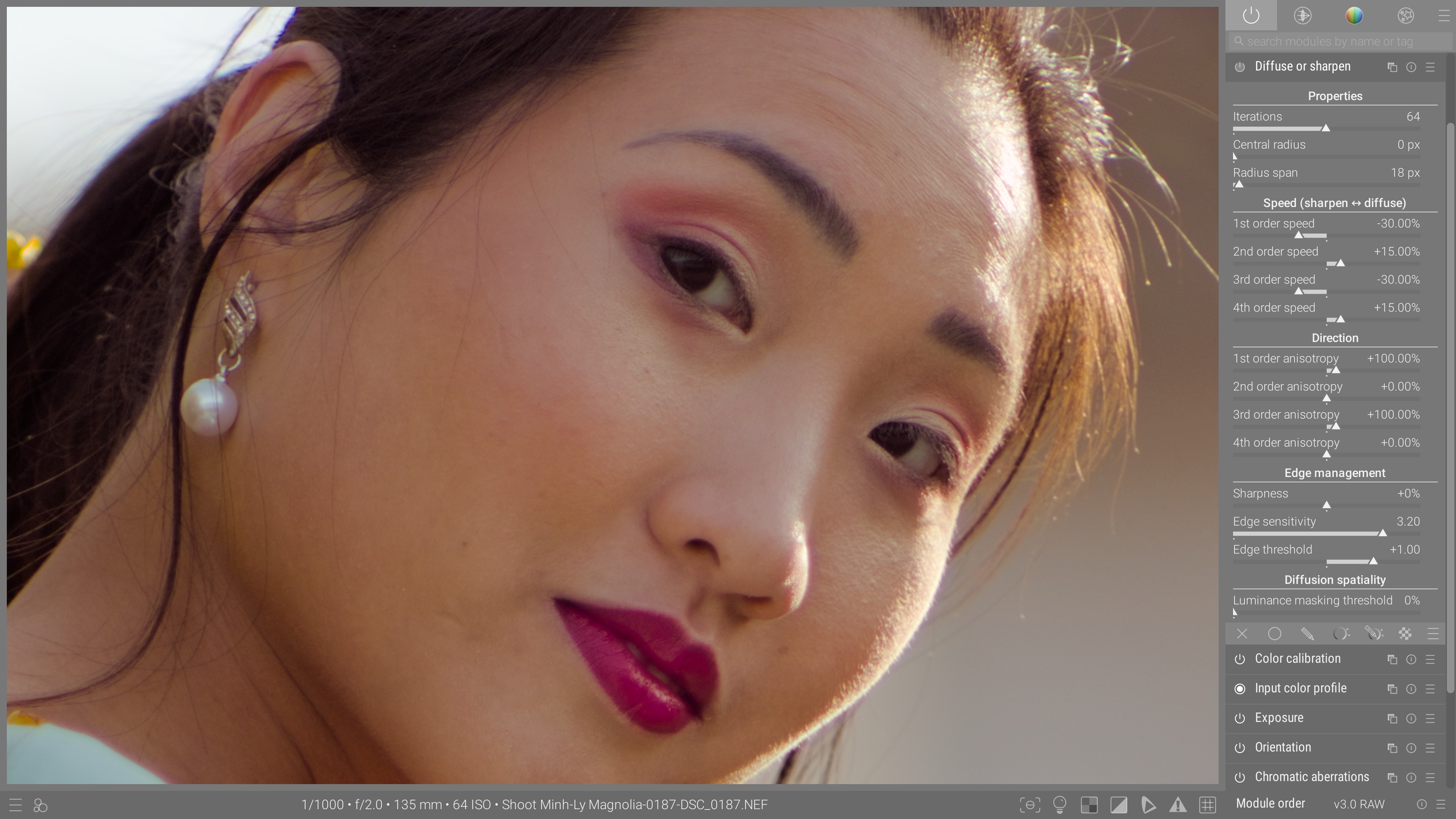
Unleash the power of multiscale, gradient-based machine learning to rejuvenate old lenses, recover focusing mistakes or add emphasis on your subject, but without the typical edge artifacts, over-sharpening oddities or added noise.
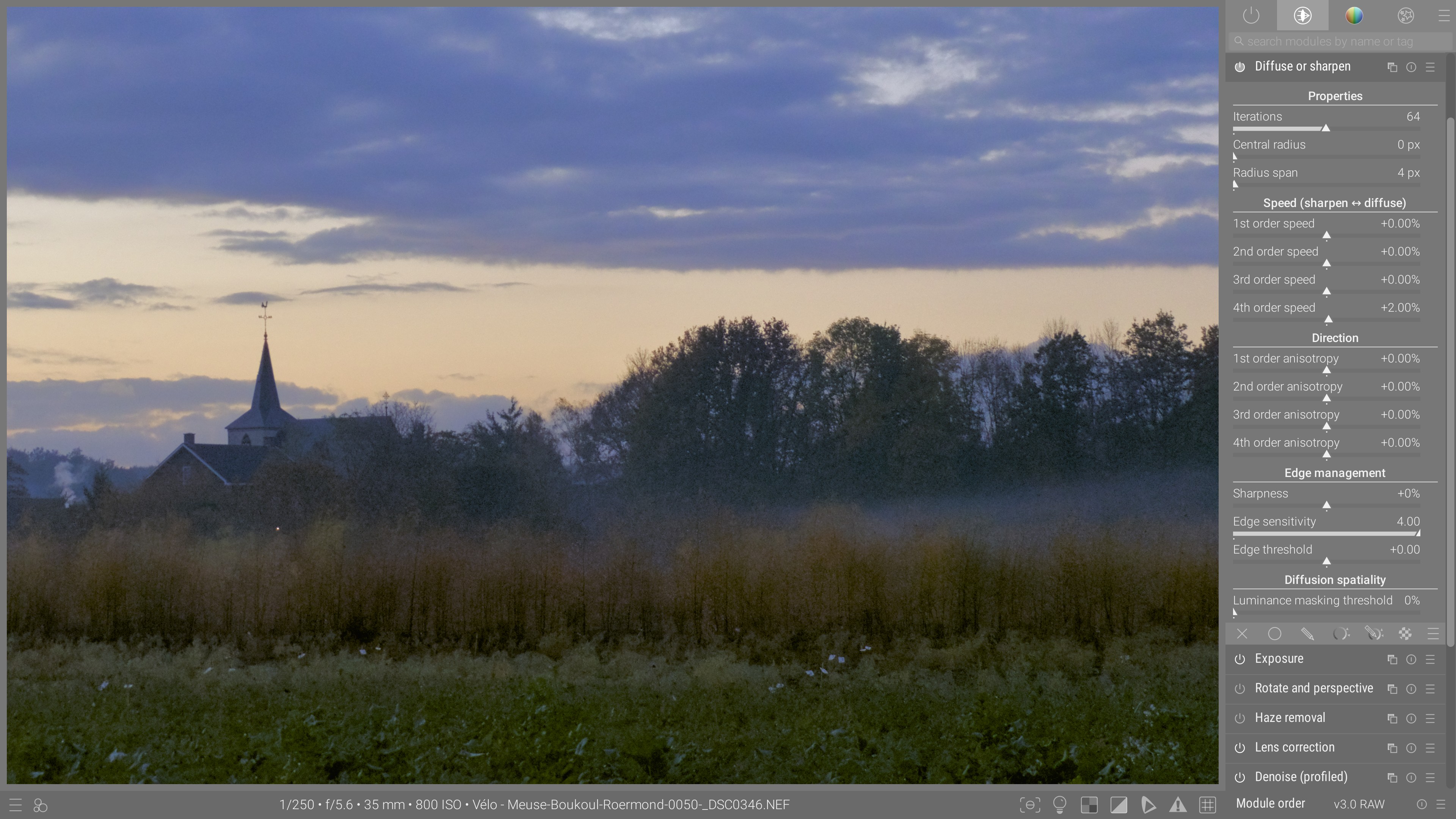
Dehazing
After After
Before Before
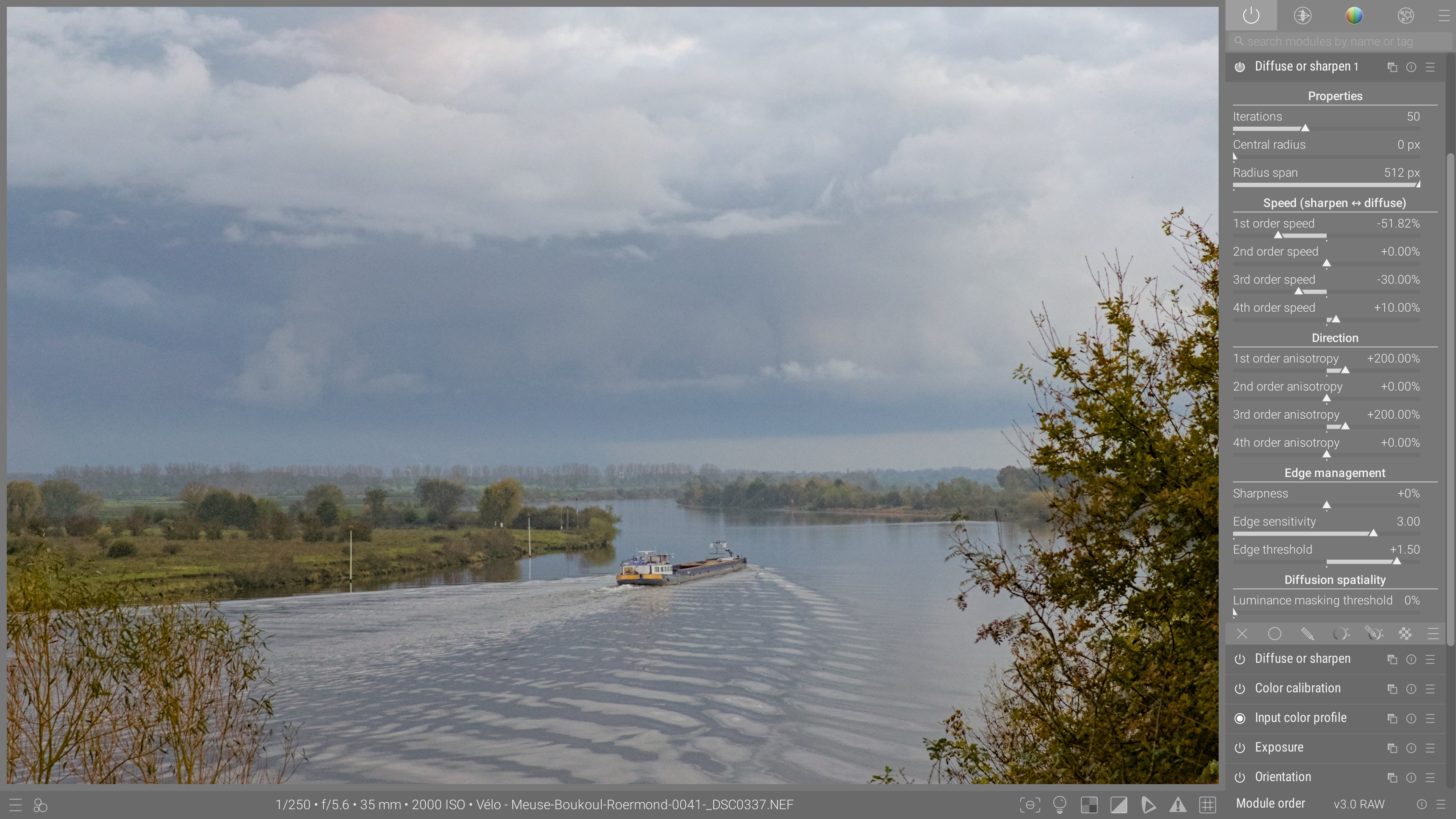
Restore some depth in foggy and hazy shots by bringing back textures and saturation in colors, without overaccentuating already sharp details.
Denoising
After After
Before Before
Remove chromatic noise, soften and blend luminance noise.
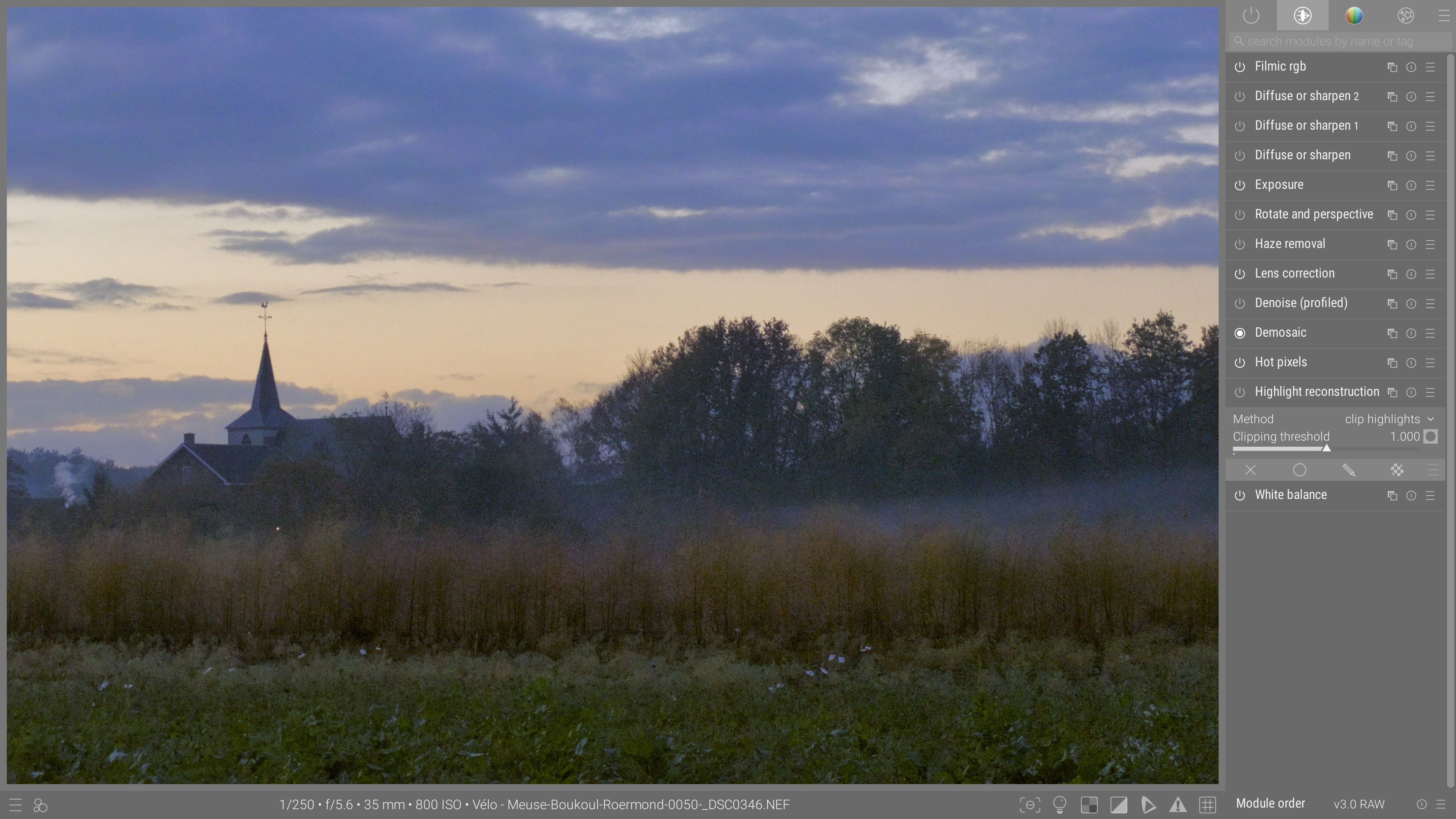
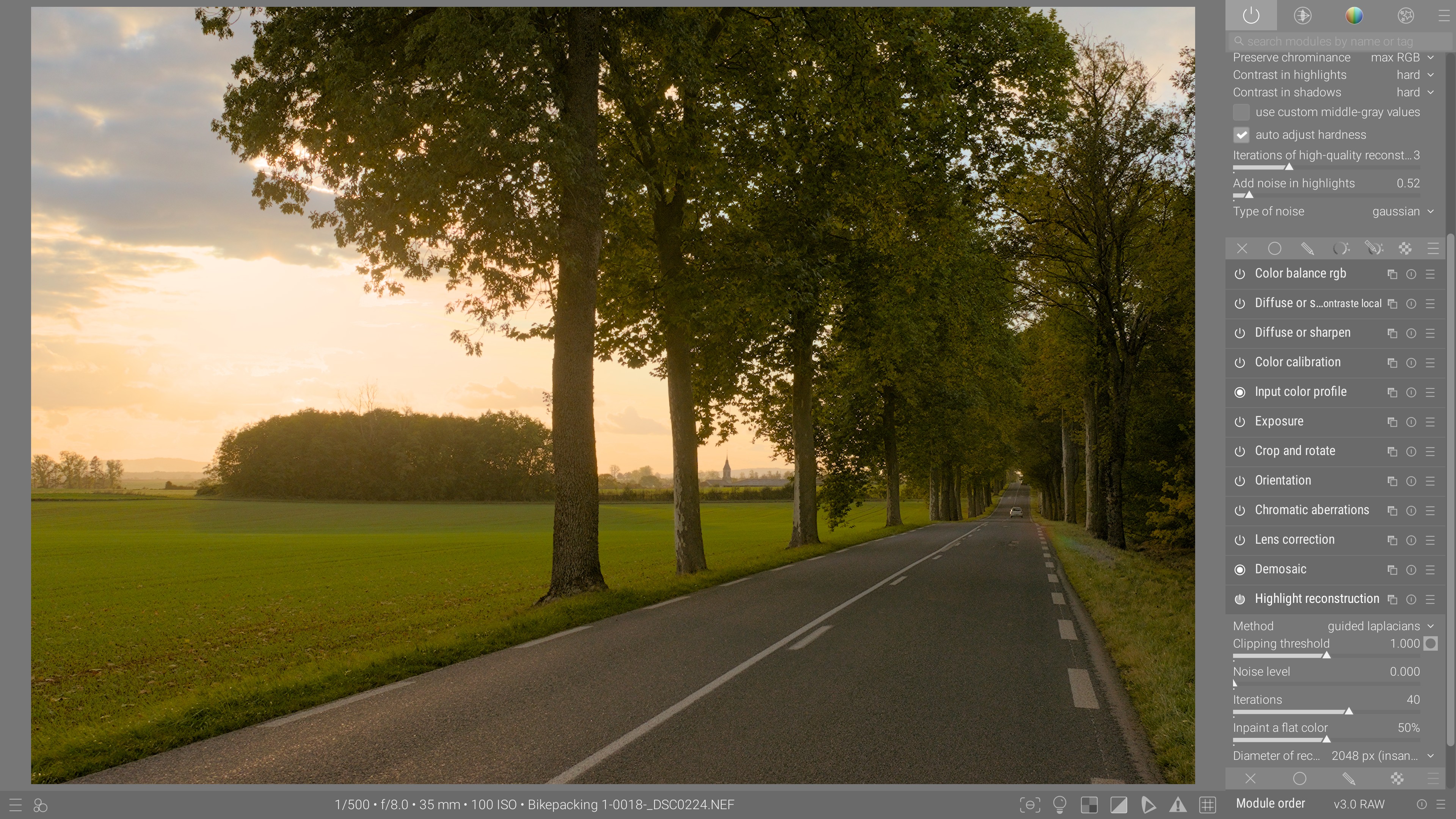
Highlights reconstruction
After After
Before Before
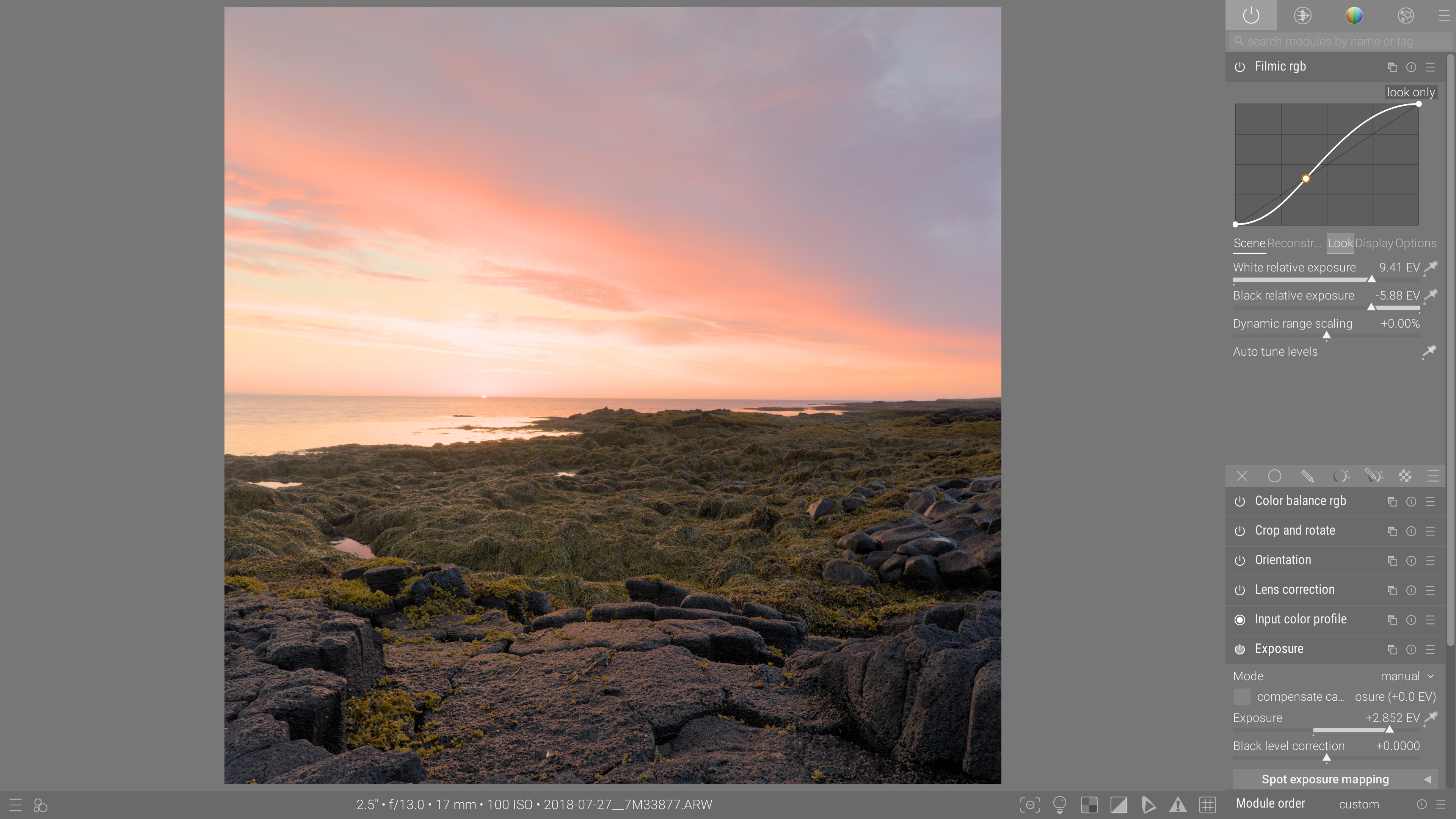
Salvage both color and texture in highlights, recover blown areas by propagating gradients while the gamut-mapping watches your back to ensure colorful highlights can still be printed at their proper hue. You don’t have to bleach highlights to hide problems anymore.

Características especializadas

Automatic perspective correction
After After
Before Before
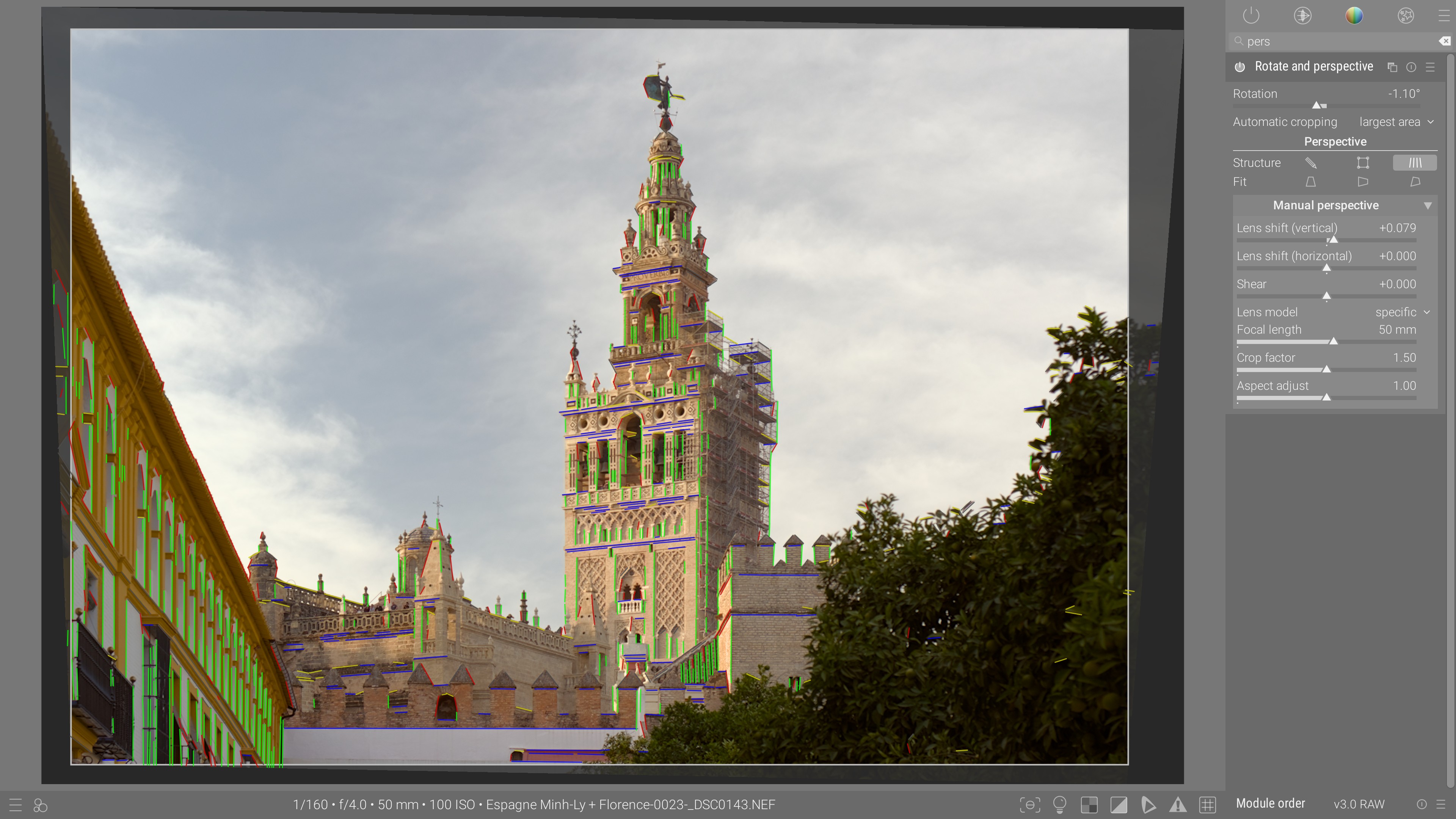
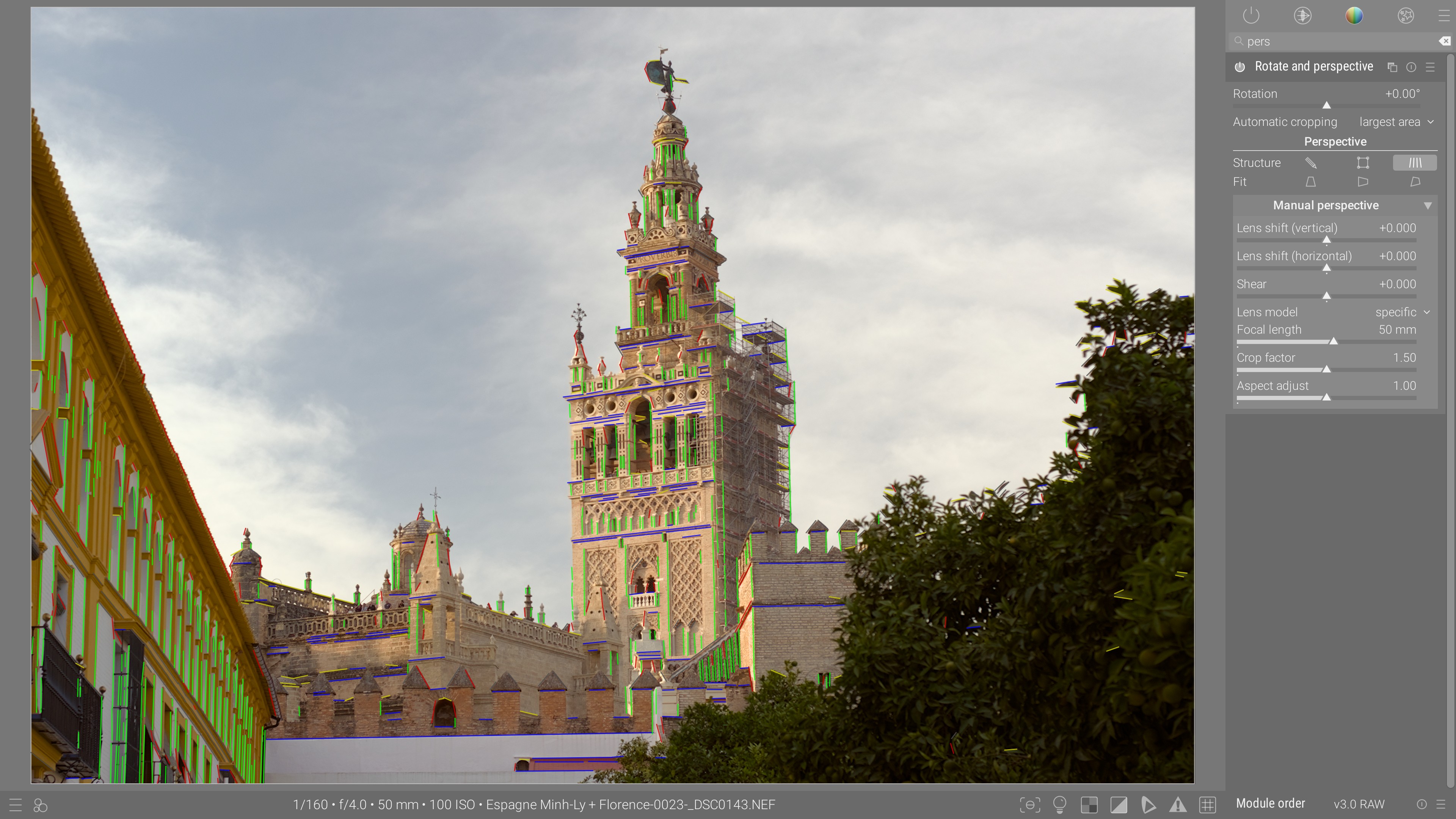
Let the machine learning detect automatically vertical and horizontal lines and compute the best geometric correction to rotate, straighten and crop the picture, optionaly taking into account the kind of lens used.
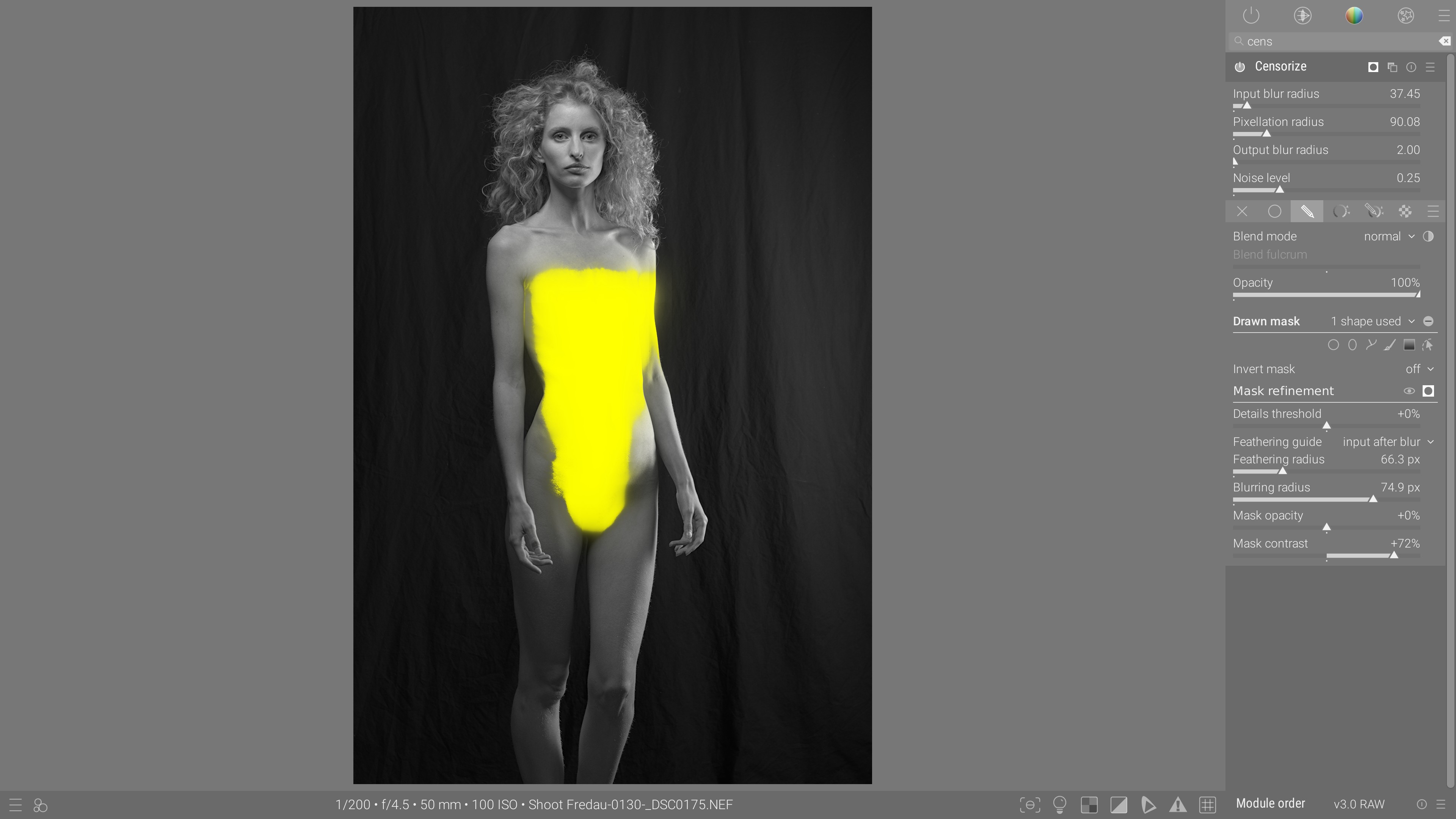
Censoring
After After
Before Before
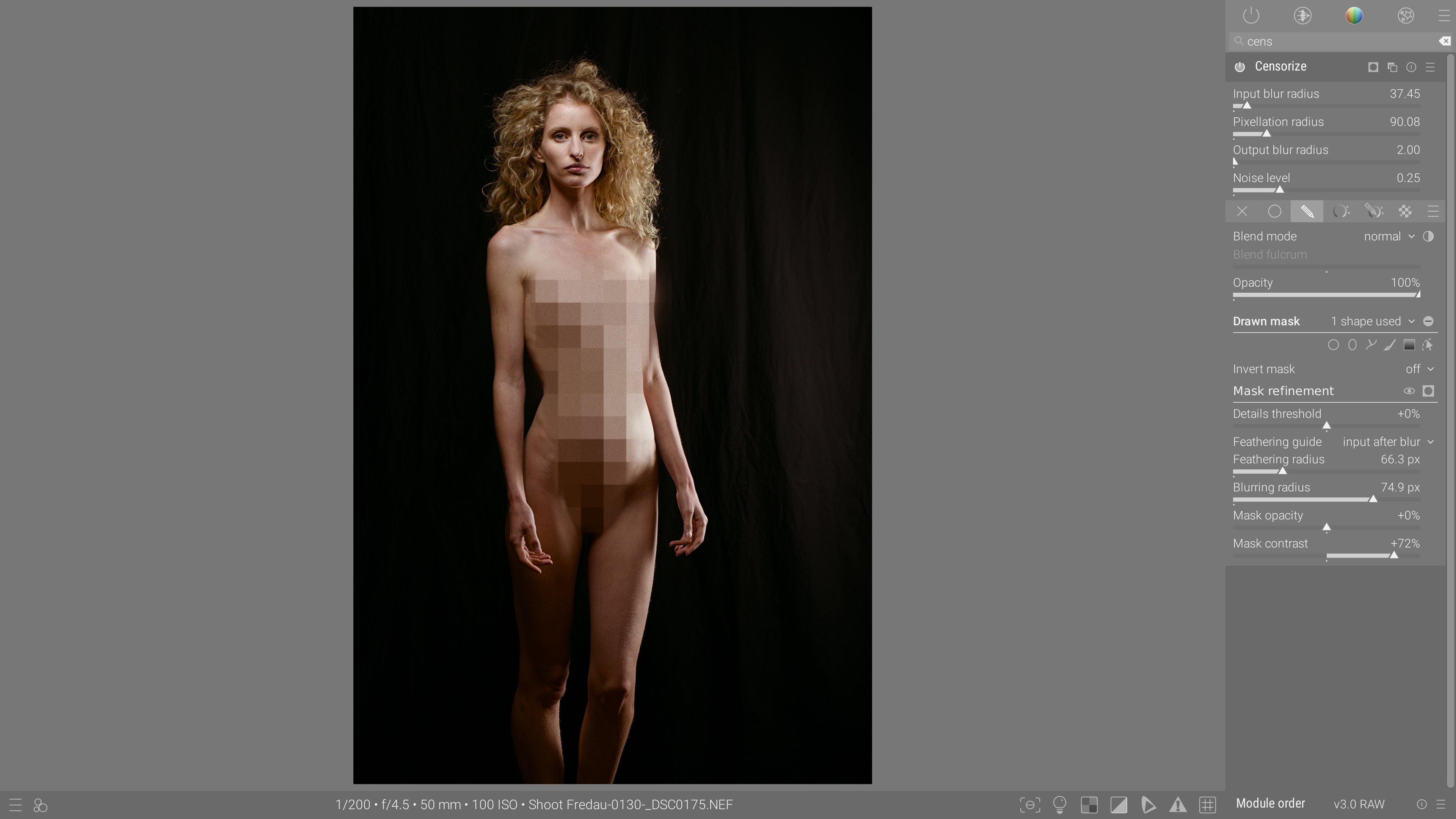
Anonymize people, license plates, etc. and play with use conditions of socially prude network without defiling your pictures too much.

Compatibilidad

Edits

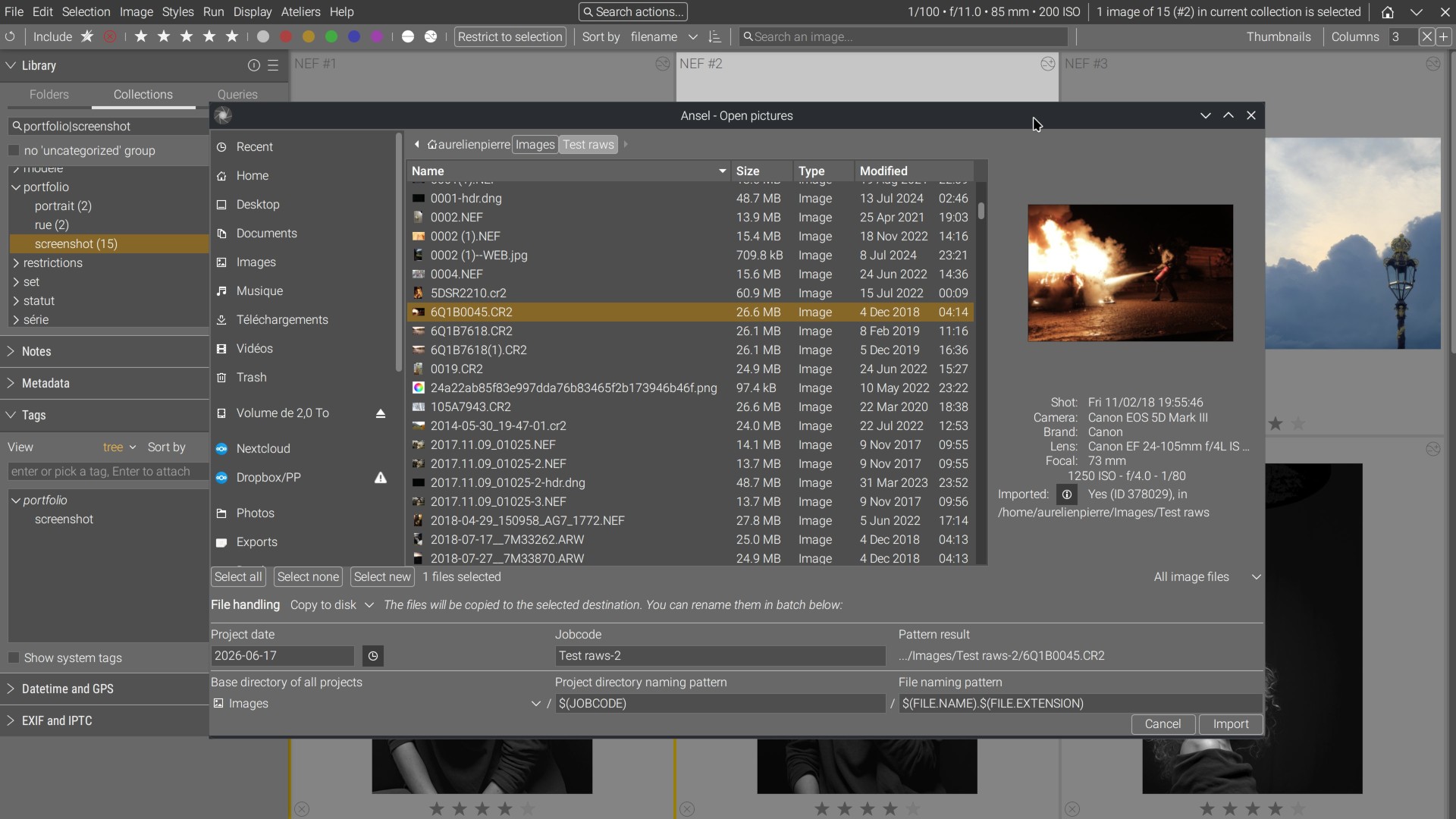
Ansel is based on darktable 4.0 and is fully compatible with darktable 2.x up to 4.0 database and XMP files. Coming from darktable ?

Find out what is changed

Cameras

Ansel uses Rawspeed and Libraw to decode raw photographs. New cameras may need up to 24 months to be fully supported after their commercial release.

Supported cameras

Languages

The software is integrally translated in English, French, Italian and simplified Chinese. Partial translations are available in German, Spanish, Portugese, Ukranian, etc.

Improve translations


Darktable, pero mejor

Ansel is what Darktable 4.0 could have been if it didn’t die of feature creep .

Entre 2020 y 2023, Darktable sufrió adiciones masivas de código de características periféricas, a menudo mal codificado, mal diseñado y penalizando la usabilidad, el rendimiento y el mantenimiento. Demasiadas medidas temporales no lograron solucionar los errores, pero agregaron nuevos problemas sobre el código heredado: bienvenidos a la pesadilla del mantenimiento.

En verdad, sin gestión de proyectos ni planificación de características, esto estaba destinado a suceder. Darktable siempre ha luchado por ser más que un paquete de complementos individuales.

El resultado es una aplicación extraña y frustrante que intenta reinventar paradigmas de interfaz gráfica por sí misma, tratanto de hacer todo para todos, más lenta y menos estable que antes, y absolutamente terrible de depurar.

Con una interfaz centrada en escenas, muchos módulos fusionados en un menú global, una herramienta de importación reescrita y menos recomputaciones de la canalización de imágenes, Ansel es una variante de Darktable 4.0 donde se han eliminado 30.000 líneas de código mal escrito y características a medio terminar, y se han reescrito 11.000 líneas: funciona más rápido, más suave, usa menos energía y requiere menos configuración.

Con una menor complejidad de código, su mantenimiento debería ser más fácil en el futuro también.


Más allá de la documentación

El punto de dolor típico y recurrente de los proyectos de software de código abierto es la documentación. Cuando no hay ninguna, los usuarios se quejan de ello. Cuando hay una, se quejan de que es demasiado larga, no está lo suficientemente completa, o no incluye casos de uso. Los desarrolladores esperan que los usuarios tengan una lectura lineal de la documentación del proyecto. Simplemente no sucederá y los desarrolladores servirán como loros. Eso solo genera frustración en ambos extremos. La documentación no es suficiente.
Chantal es un modelo de lenguaje bilingüe (francés-inglés) entrenado específicamente para procesamiento de imágenes, teoría del color y fotografía, que entiende jerga técnica, sinónimos y algunas traducciones. Su interfaz web permite consultas de búsqueda a través de un índice central de documentación de software de código abierto, informes de errores, foros de usuarios, canales de YouTube, publicaciones científicas y organizaciones de estándares (CIE, ICC, ACES).
Conoce a Chantal
tu bibliotecaria de procesamiento de imágenes AI

Chantal es la infraestructura de conocimiento de Ansel:

  • encuentra rápidamente información relevante entre fuentes confiables,
  • evita hacer preguntas ya contestadas.
Diseñada para hacer a los usuarios más inteligentes, en lugar de hacer el software más tonto. La inteligencia artificial te alimenta con material de aprendizaje sobre temas de tu elección. Invirtamos en inteligencia natural.

Código fuente

El software Ansel y la documentación están liberados bajo la licencia GNU/GPL v3 y versionado con Git. El sitio web está bajo copyright pero es de lectura pública. Los repositorios de trabajo se alojan en Github y se espejan en Gitlab como respaldo.

Software
Documentación
Website

How is Ansel used ?

The charts below come from the opt-in PostHog telemetry.

Search

You can also ask Chantal, the AI search engine.