A set operator decides how one shape combines with the mask already built from the shapes applied before it: the shape adds to the selection, narrows it down, or cuts a region out of it.
Every shape in a drawn mask carries one, except the shape applied first, which has nothing before it to combine with. It is set from the Operation submenu of the shape’s context menu, whether you open it on the canvas or on the shape’s row in the shape list, and the shape manager shows the one each row uses. The operator belongs to the row the shape occupies in that mask rather than to the shape itself, so the same shape can combine differently in every module using it.
The four operators
An operator reads a pixel as “selected” when its opacity is greater than zero. The examples below combine a Gradient with a Polygon, showing the effect of each operator applied to the Polygon:
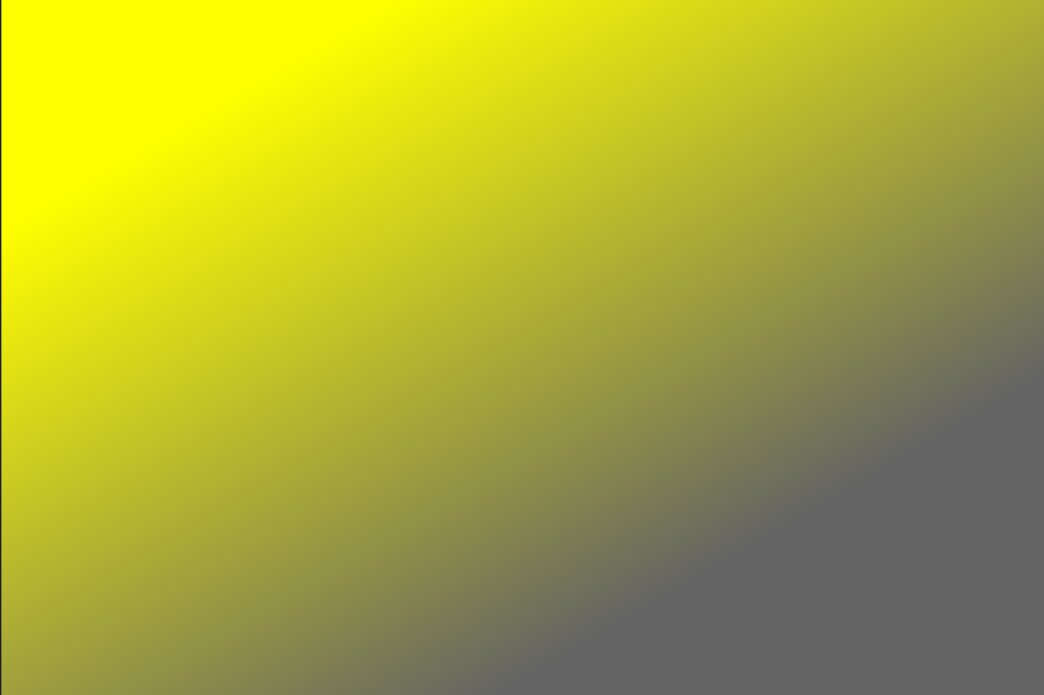
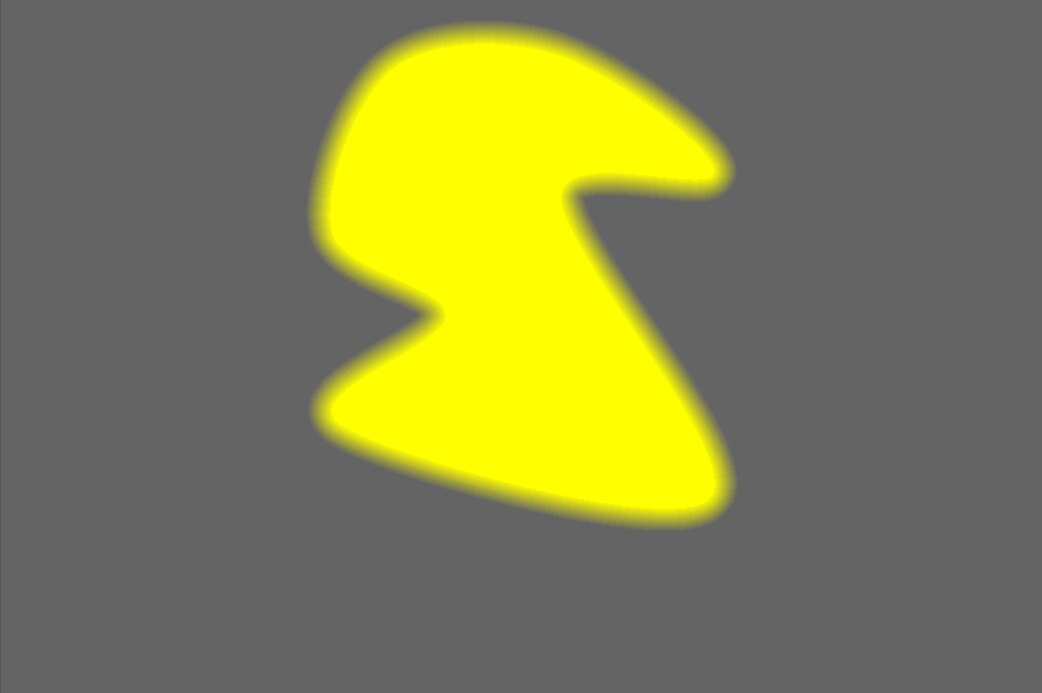
 Union UnionThe default. The result selects pixels that are in the existing mask or in the added shape (the maximum value is taken where they overlap). | 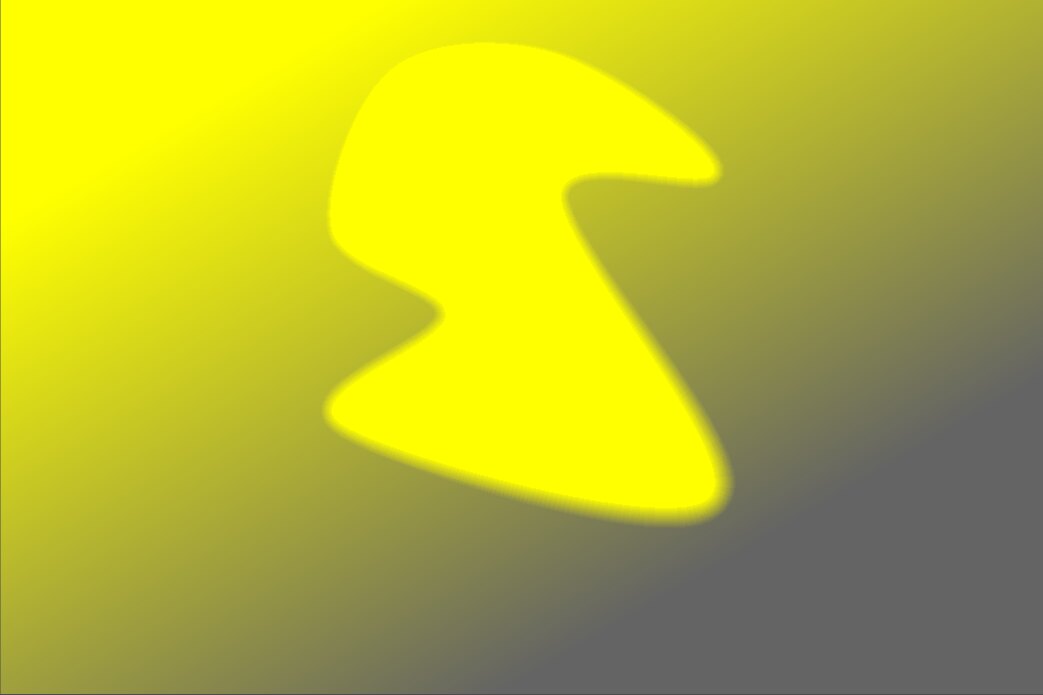 |
 Intersection IntersectionThe result selects only pixels that are in both the existing mask and the added shape (the minimum value is taken where they overlap) — useful to “imprint” one shape onto another. |  |
 Difference DifferenceThe result keeps pixels that are in the existing mask but not in the added shape — useful to cut a region out of a selection. | 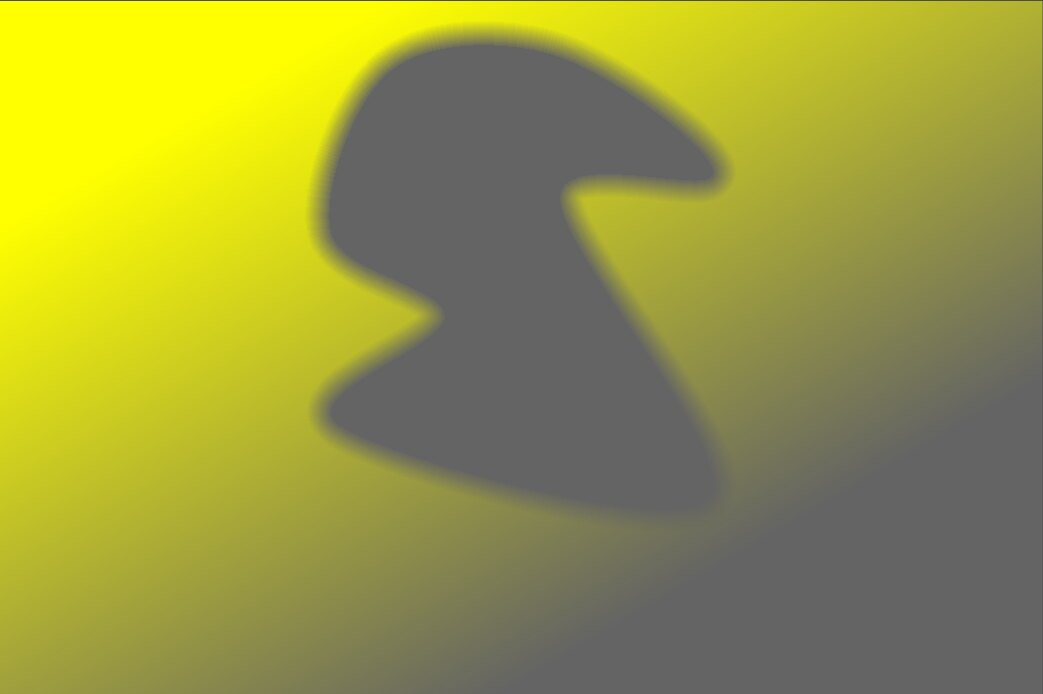 |
 Exclusion ExclusionThe result selects pixels that are in the existing mask or the added shape but not both (an exclusive or). | 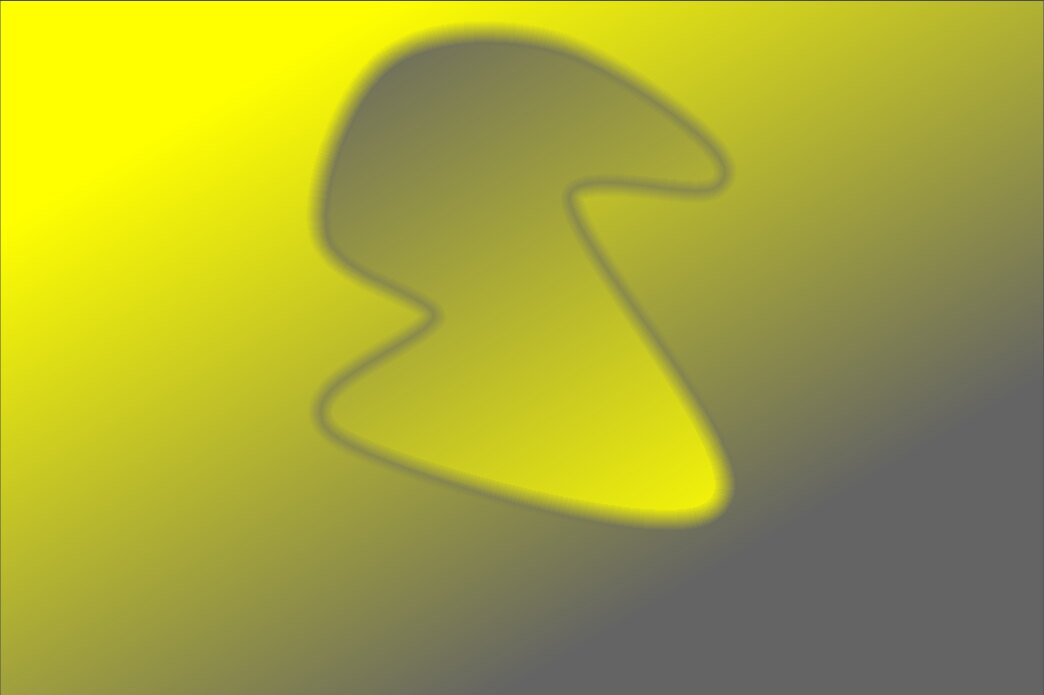 |